
How Scoring Works
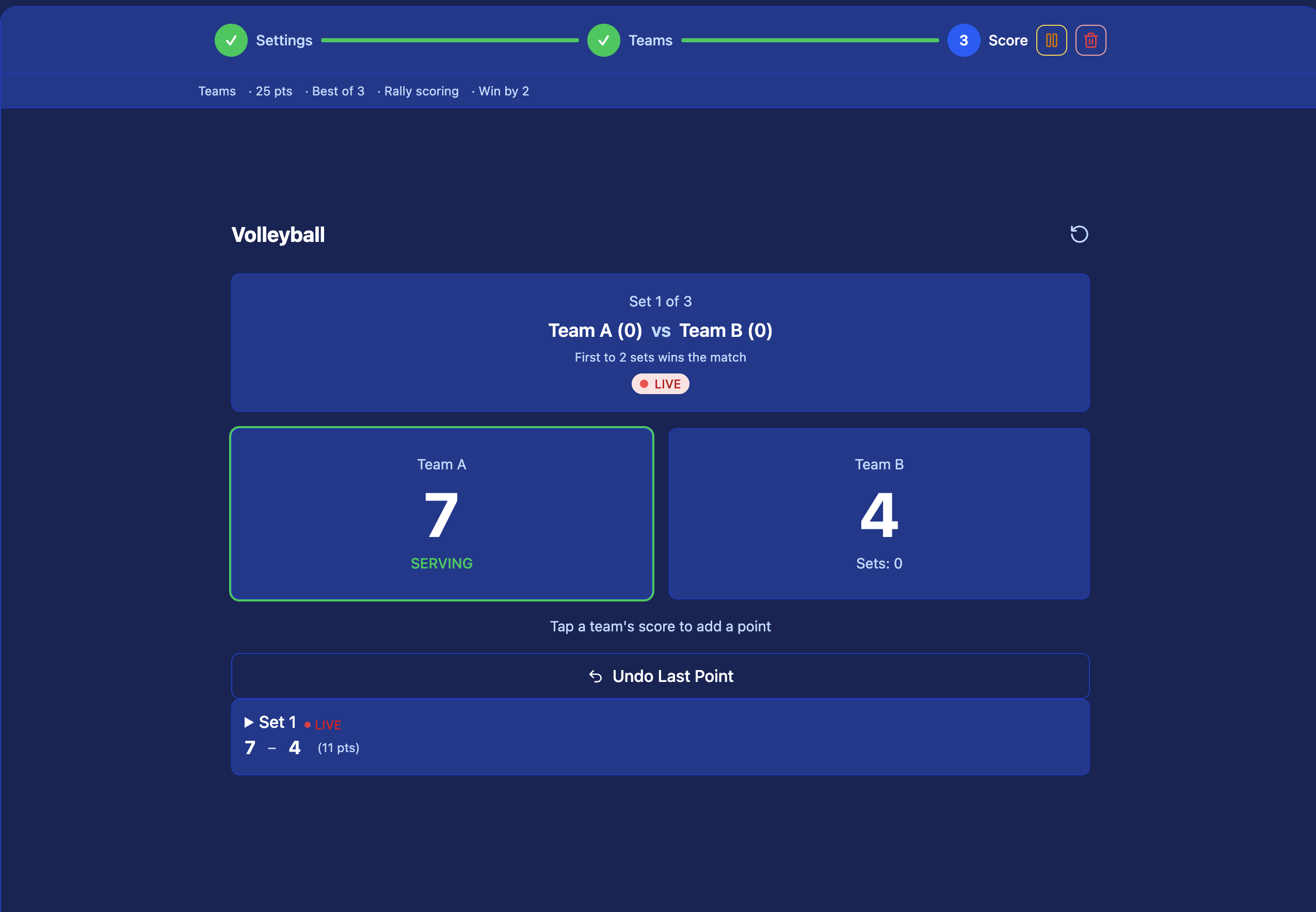
Volleyball uses rally scoring — every rally ends in a point regardless of who served. Kynaix tracks the score, set count, and rotation status automatically.
Open the live match and tap Start Set. Select the serving team to begin.
After each rally, tap which team won the point. Service changes are tracked automatically on side-out.
Optionally record the point type — ace, kill, block, dig error, or attack error.
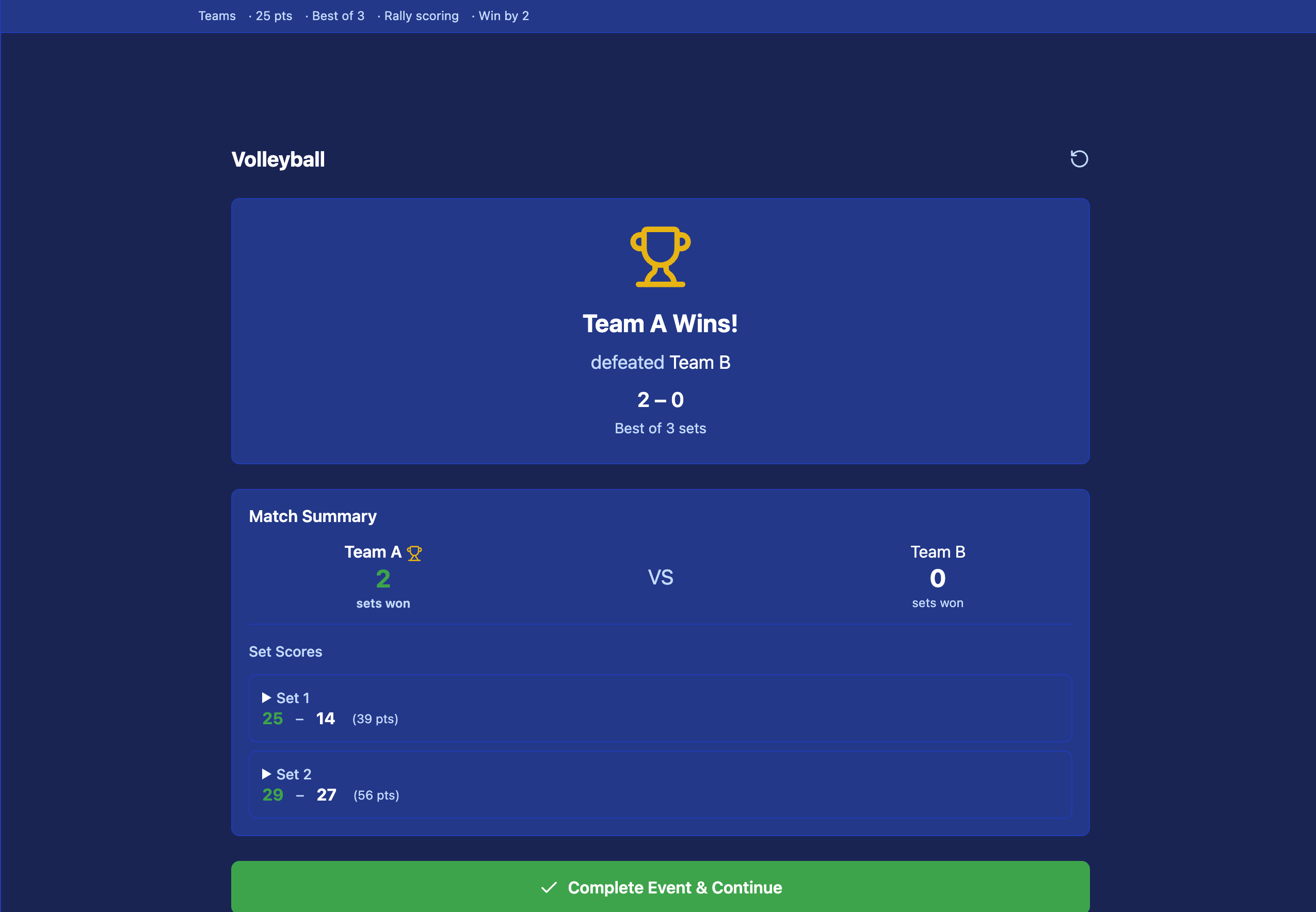
When a team reaches 25 (or 15 in the 5th set), confirm the set result. The app starts the next set.
Match Formats
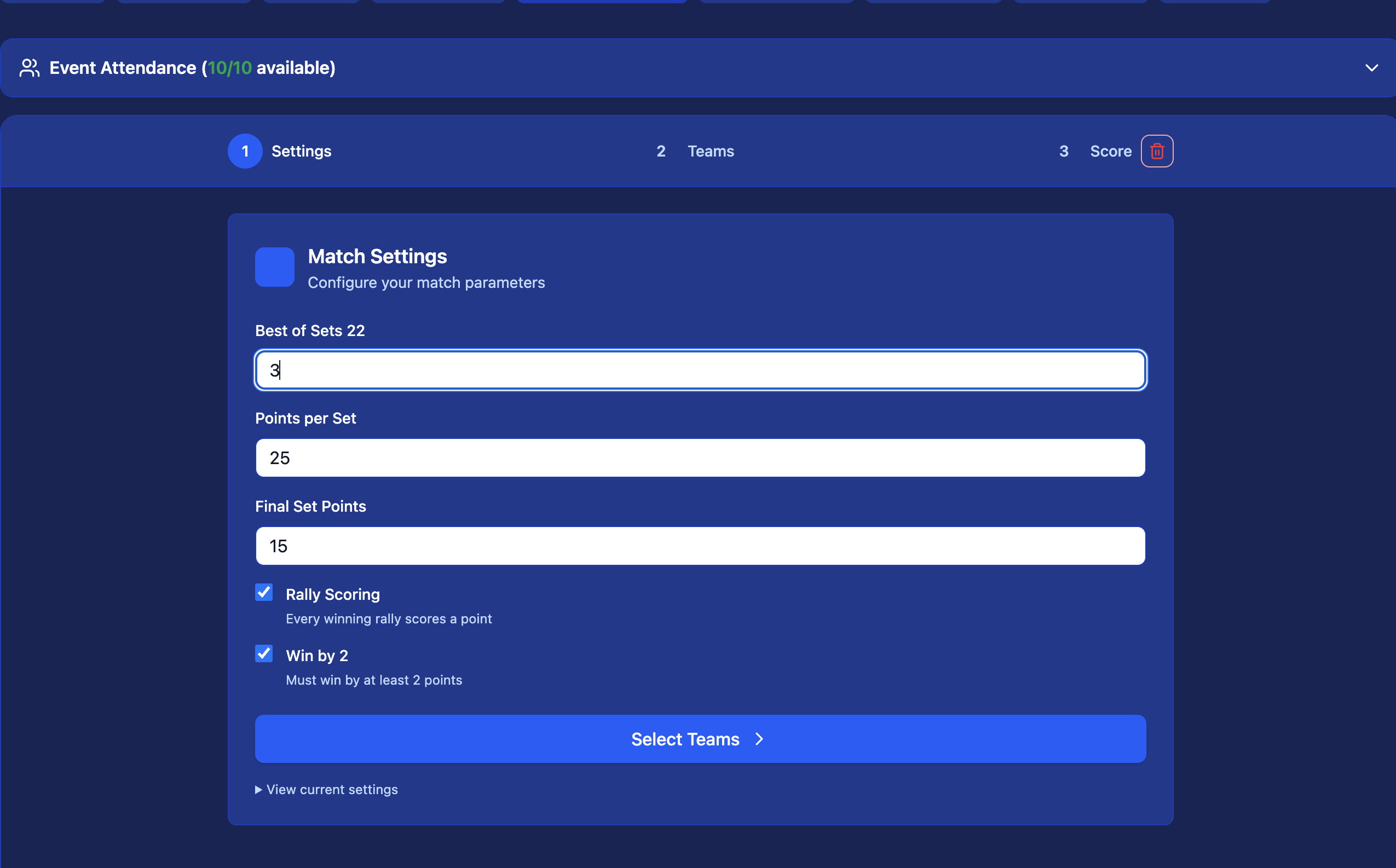
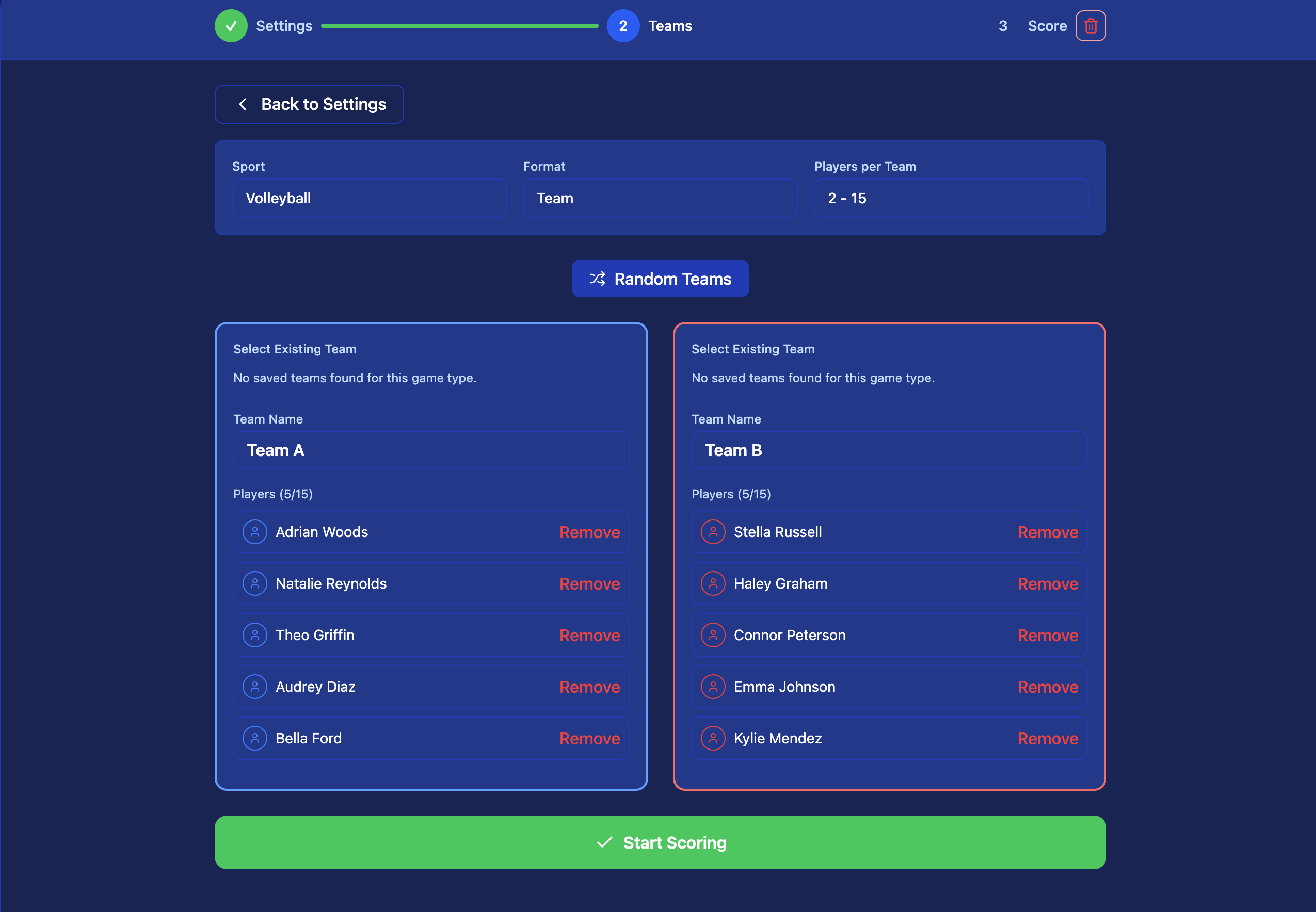
Your organizer sets the format before the tournament. All common volleyball formats are supported.
Best of 5 Sets (Standard)
- First team to win 3 sets wins the match
- Sets 1–4 go to 25 points, win by 2
- Set 5 (deciding set) goes to 15 points, win by 2
- Teams switch sides at 8 points in set 5
Best of 3 Sets (Short Format)
- First team to win 2 sets wins the match
- Sets 1–2 go to 25 points, win by 2
- Set 3 (deciding set) goes to 15 points, win by 2
- Common for pool play and recreational tournaments
Stats Tracked Per Match
Detailed player and team stats — kills, blocks, aces, digs, and more — are coming to volleyball soon.
Volleyball Stats Are on the Way
We're building per-player and per-match stats — kills, blocks, aces, digs, attack errors, and serving errors. They'll appear live courtside once ready.
Run your volleyball tournament on Kynaix
Free to create. Live scoring from day one. Works on any device.
Get Started Free →