
Managing Your Tournament
Follow these steps to take your tournament from zero to live — works for all sports.
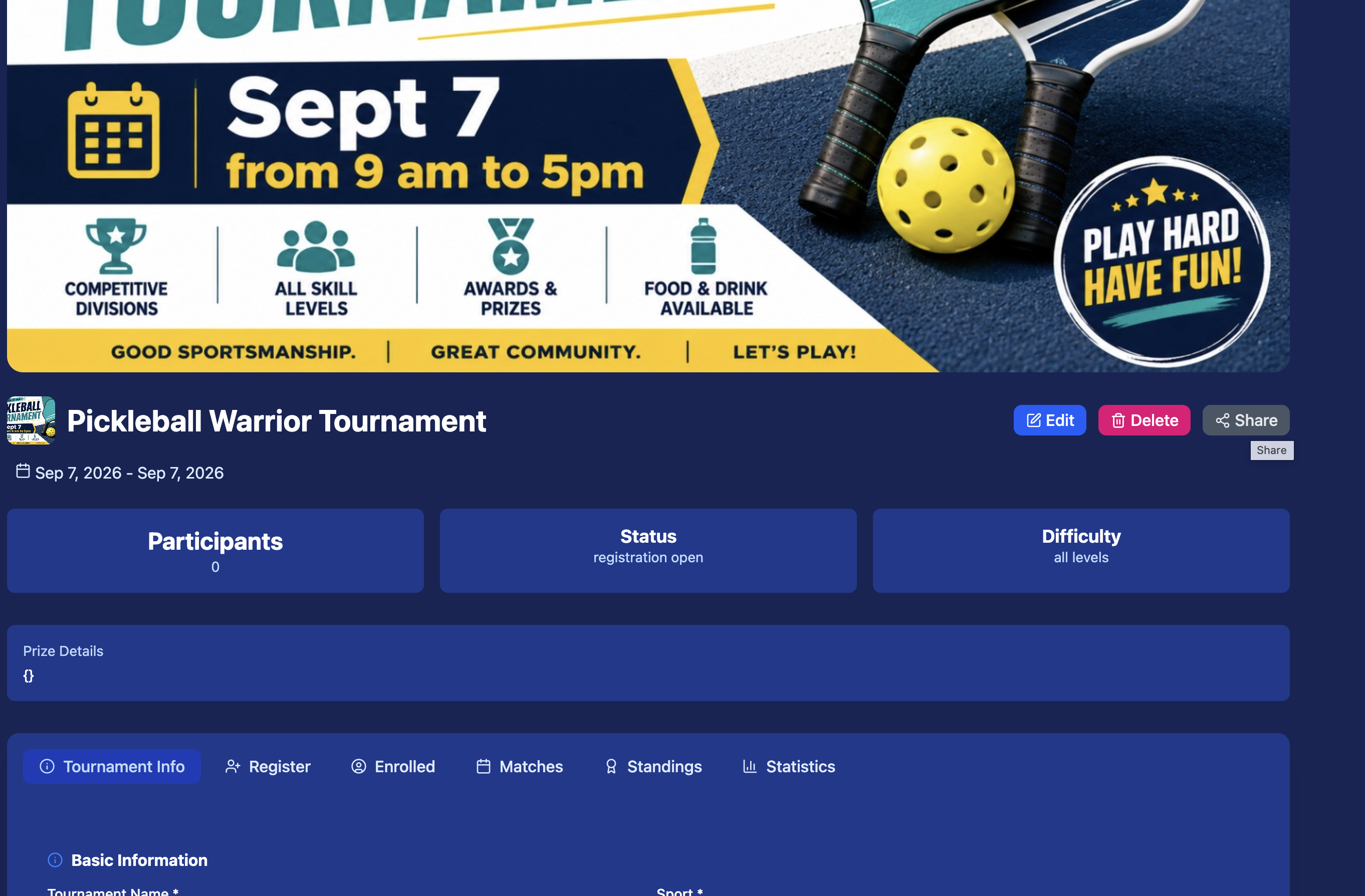
Create a Tournament
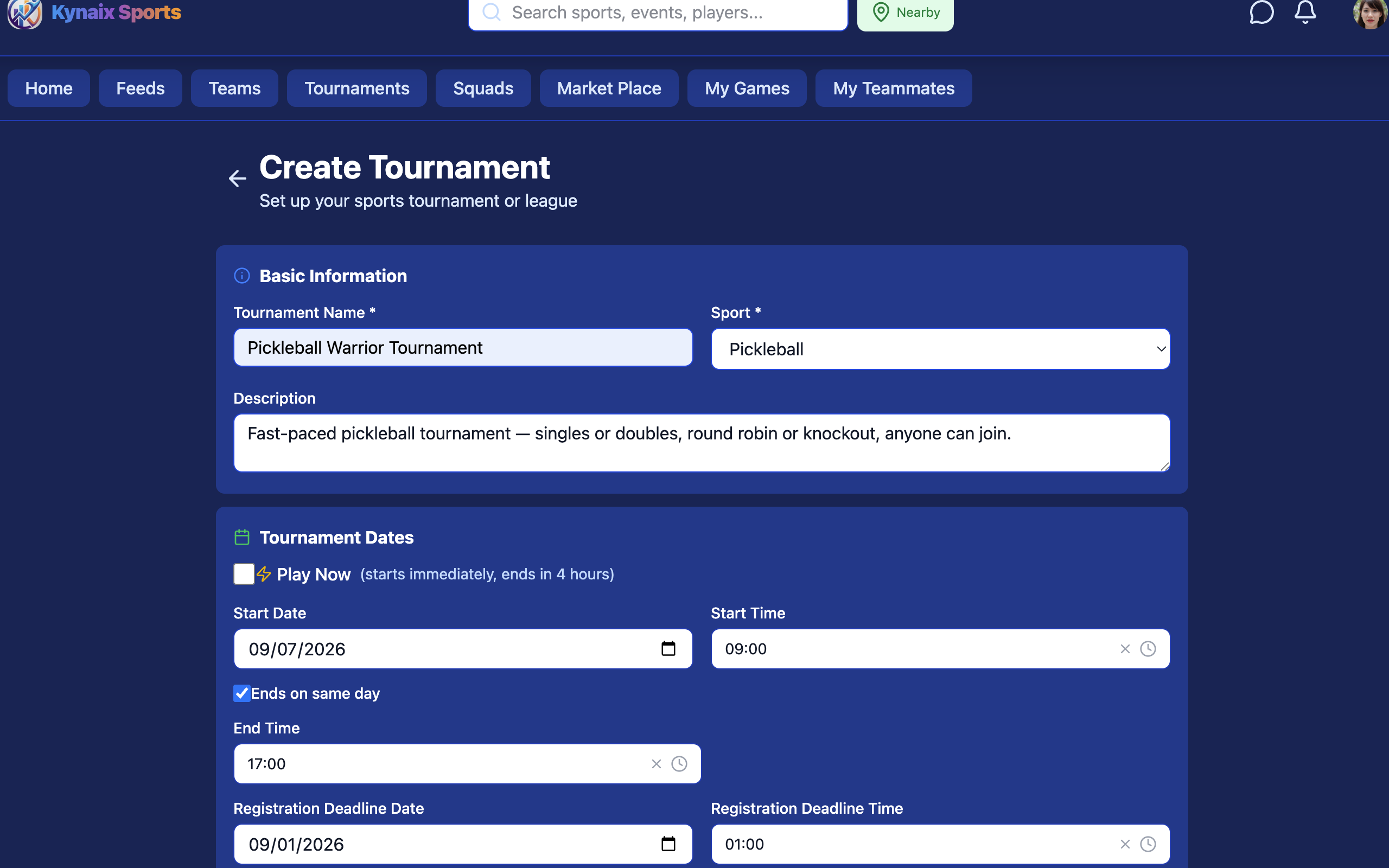
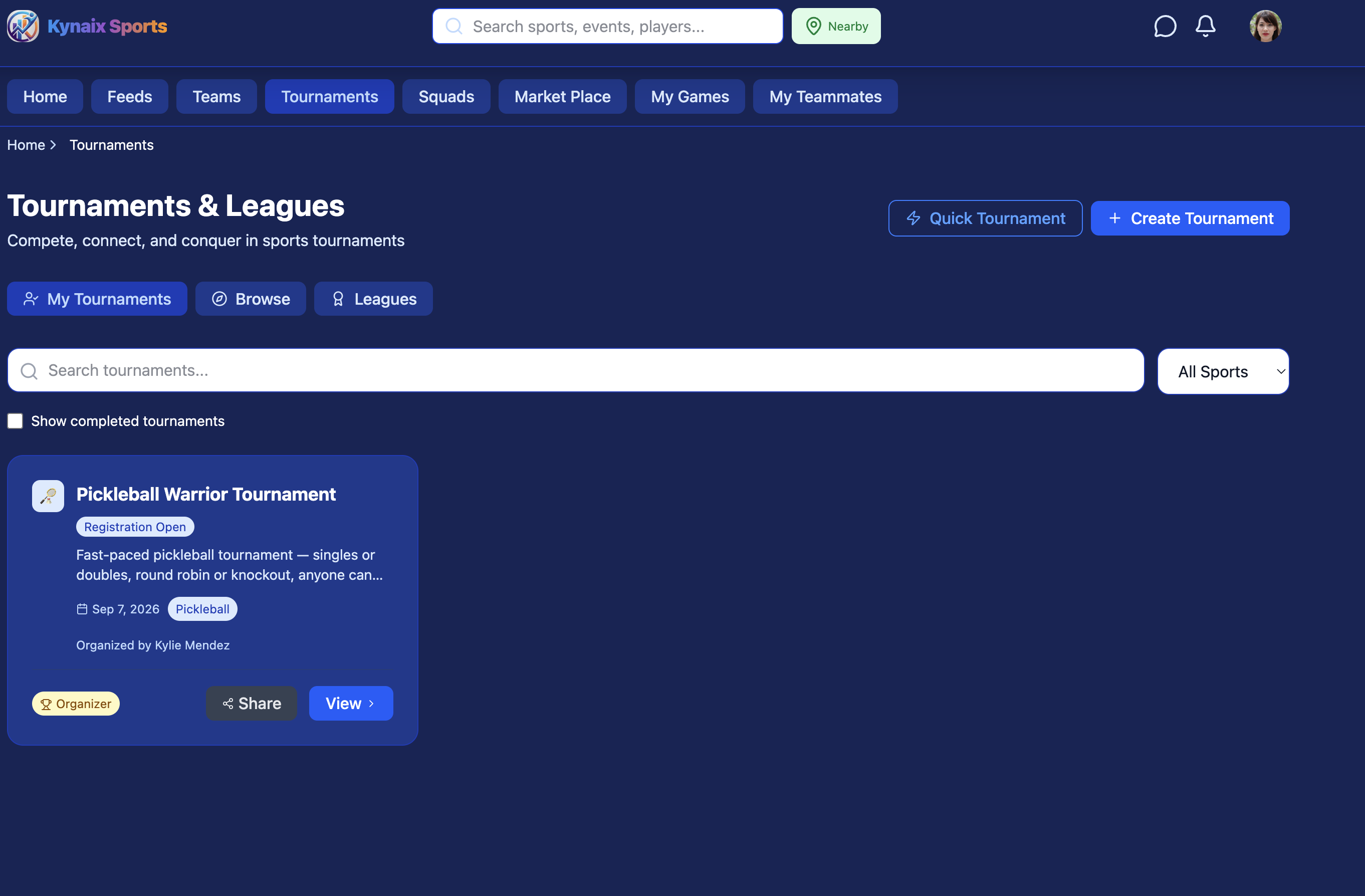
From the home screen, tap Tournaments in the bottom navigation bar, then tap the Create Tournament button (top right). This opens the tournament creation form where you give your tournament a name, pick a sport, and set your dates. Kynaix supports all major sports — pickleball, tennis, cricket, volleyball, basketball, badminton, and more.
- Choose single elimination, round robin, or custom format
- Set public or private registration
- Add location or mark as online/virtual
Add a Hero Image
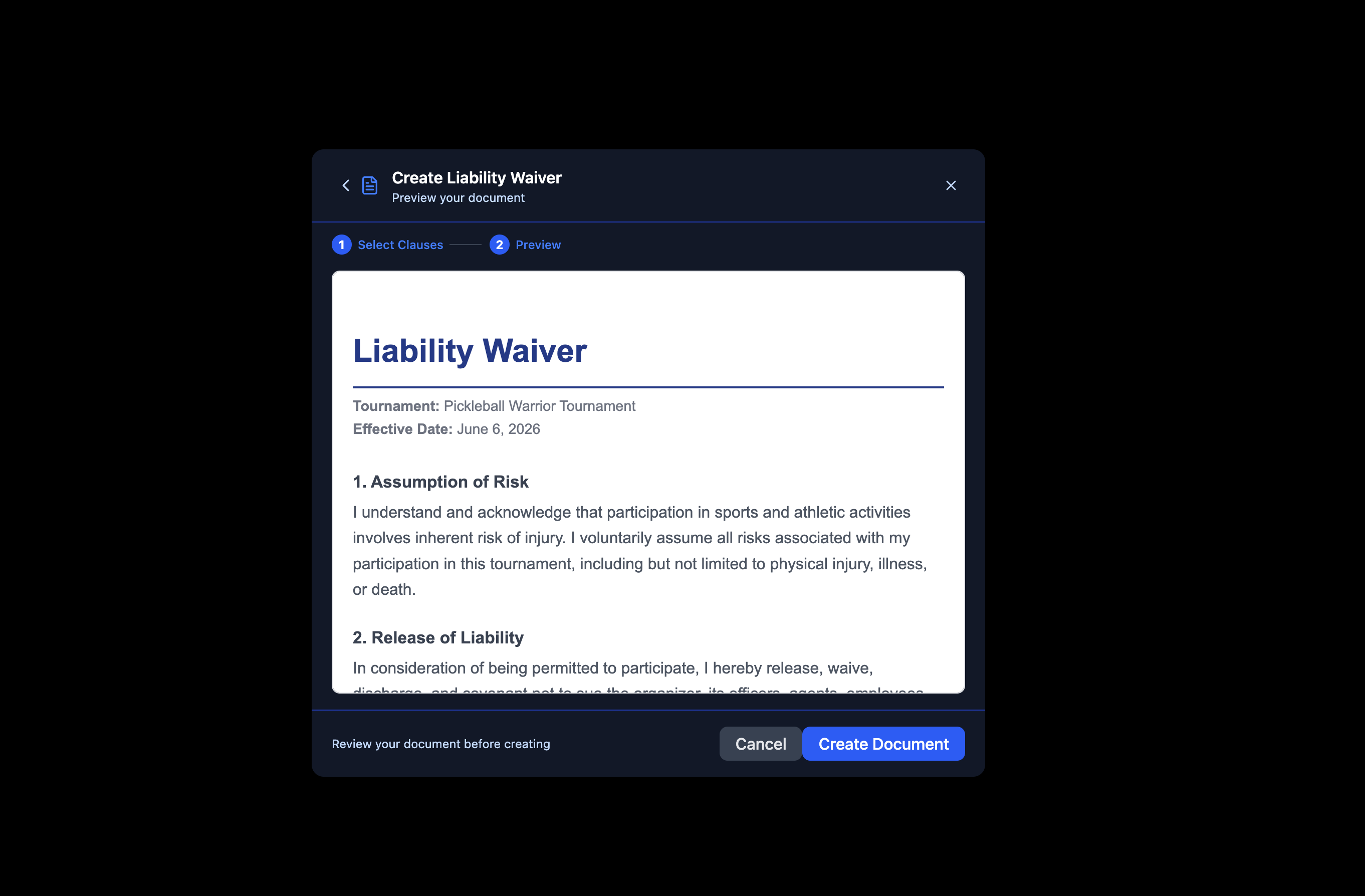
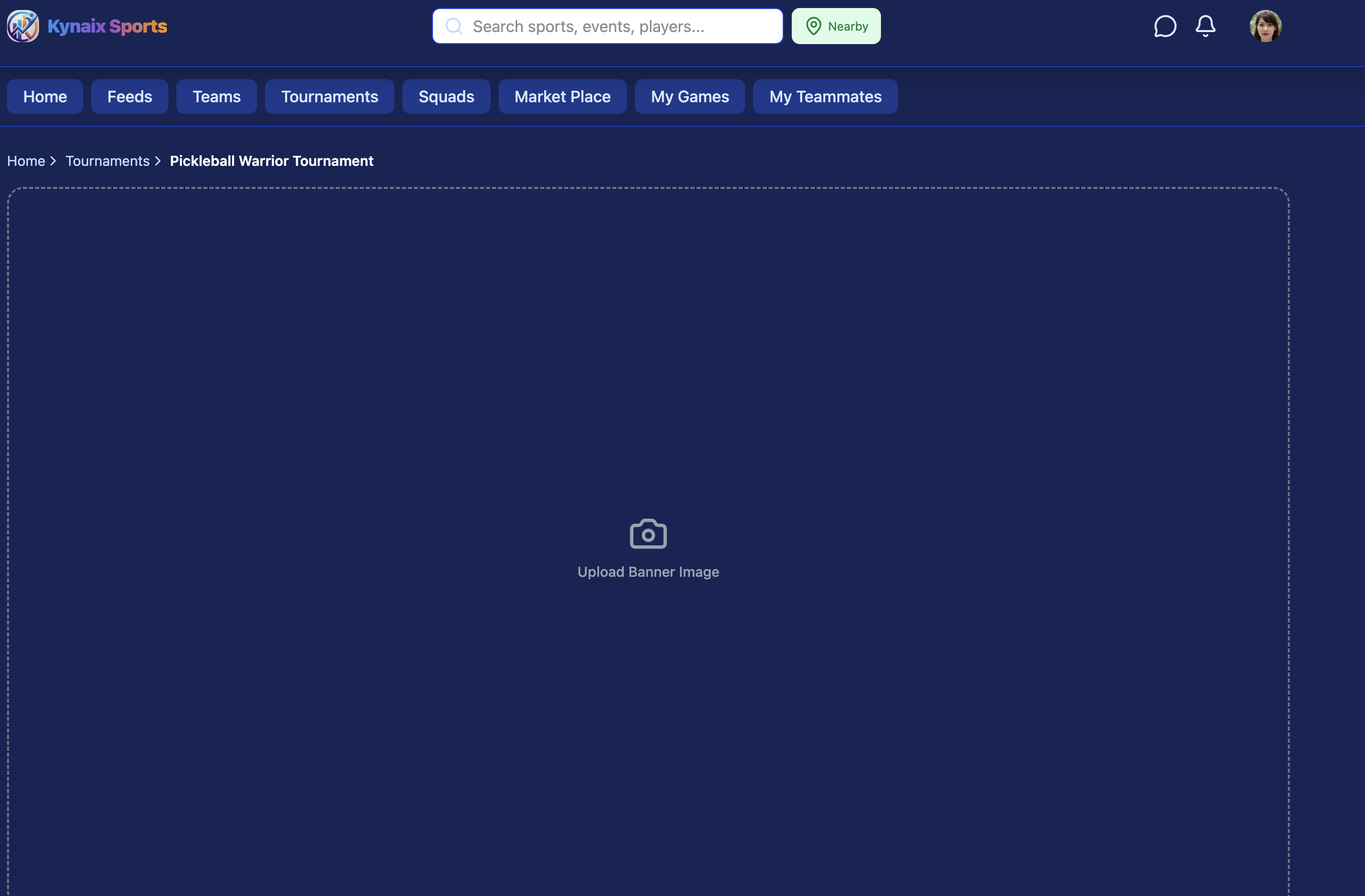
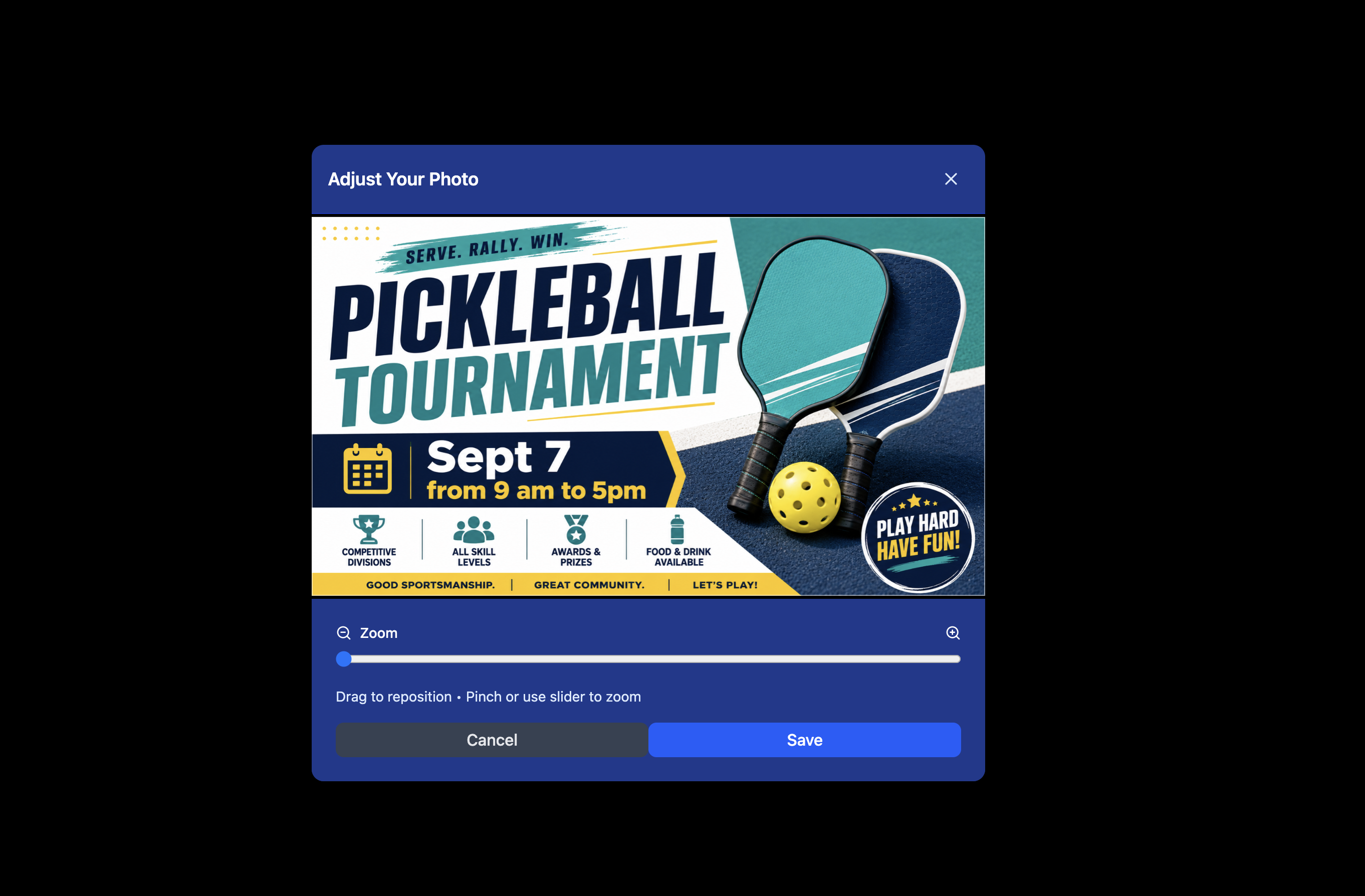
A great cover photo makes your tournament page stand out and look professional. This image appears at the top of your tournament page and in shared links.
- Recommended size: 1200 × 630 px (16:9)
- Use an action shot, venue photo, or branded graphic
- Supports JPG and PNG

Update Tournament Details
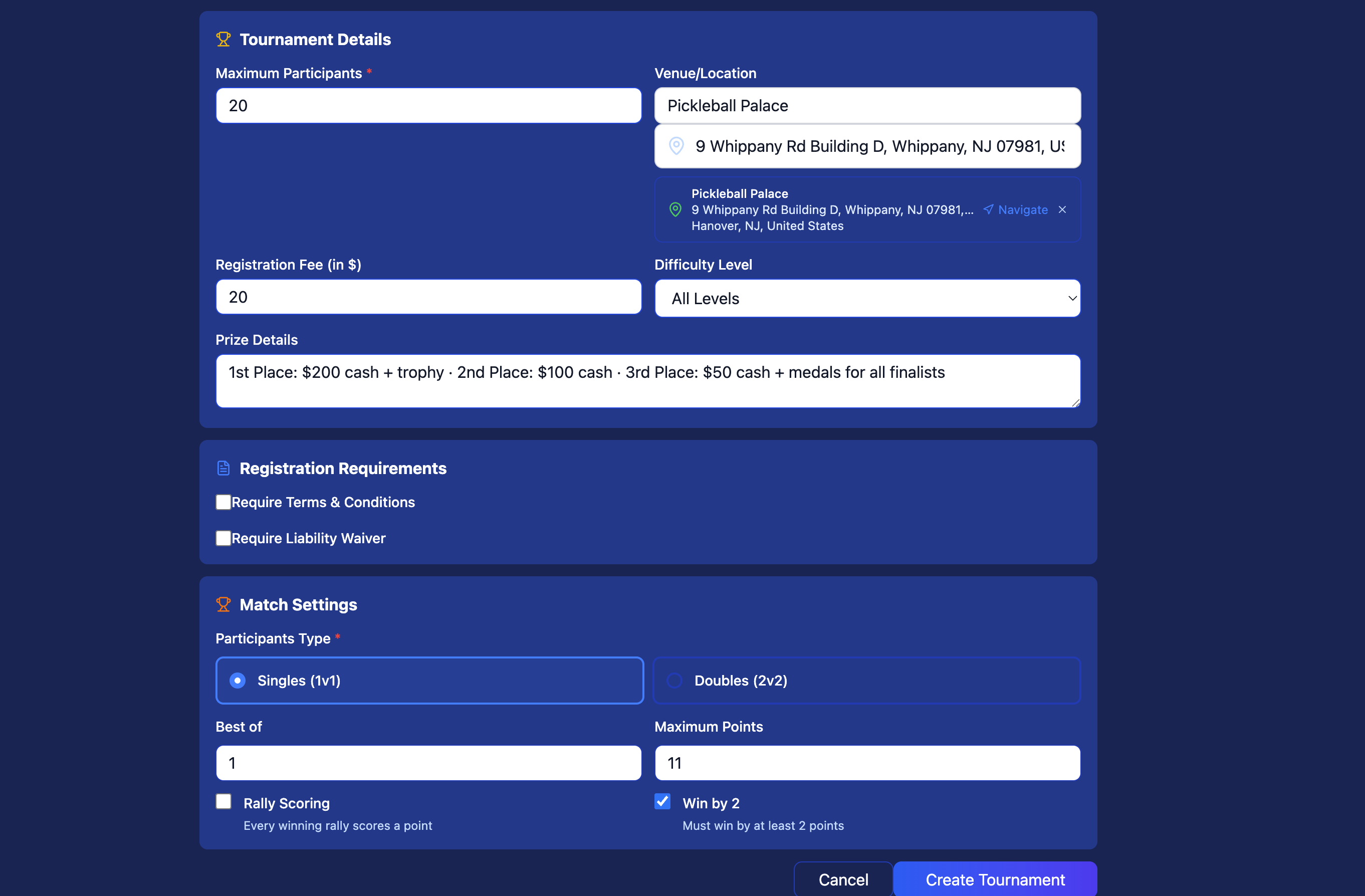
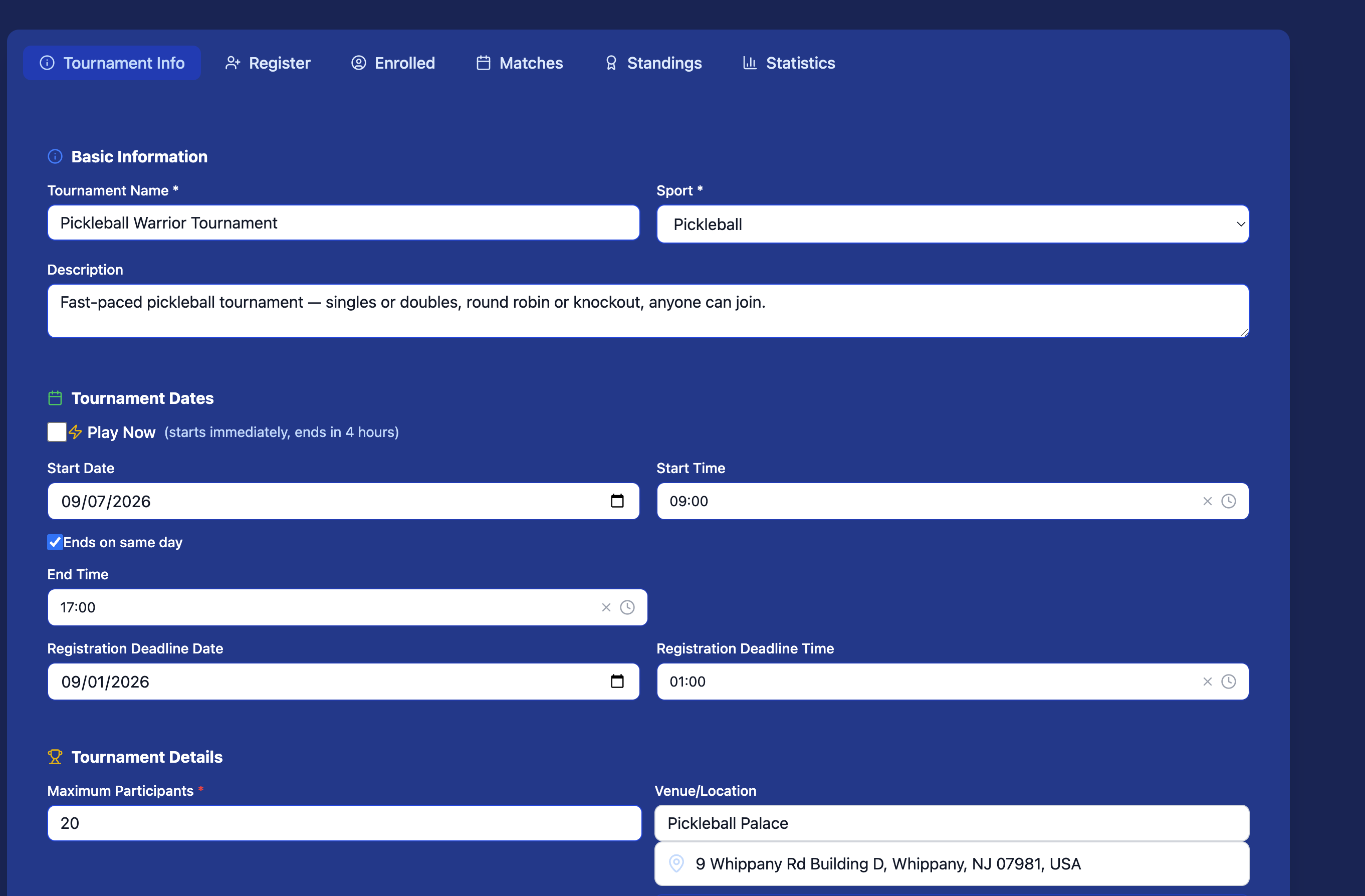
Fill in everything participants need to know before registering — entry rules, prize details, venue address, and any sport-specific settings like match format and scoring rules.
- Set max participants and team size
- Add entry fee if applicable
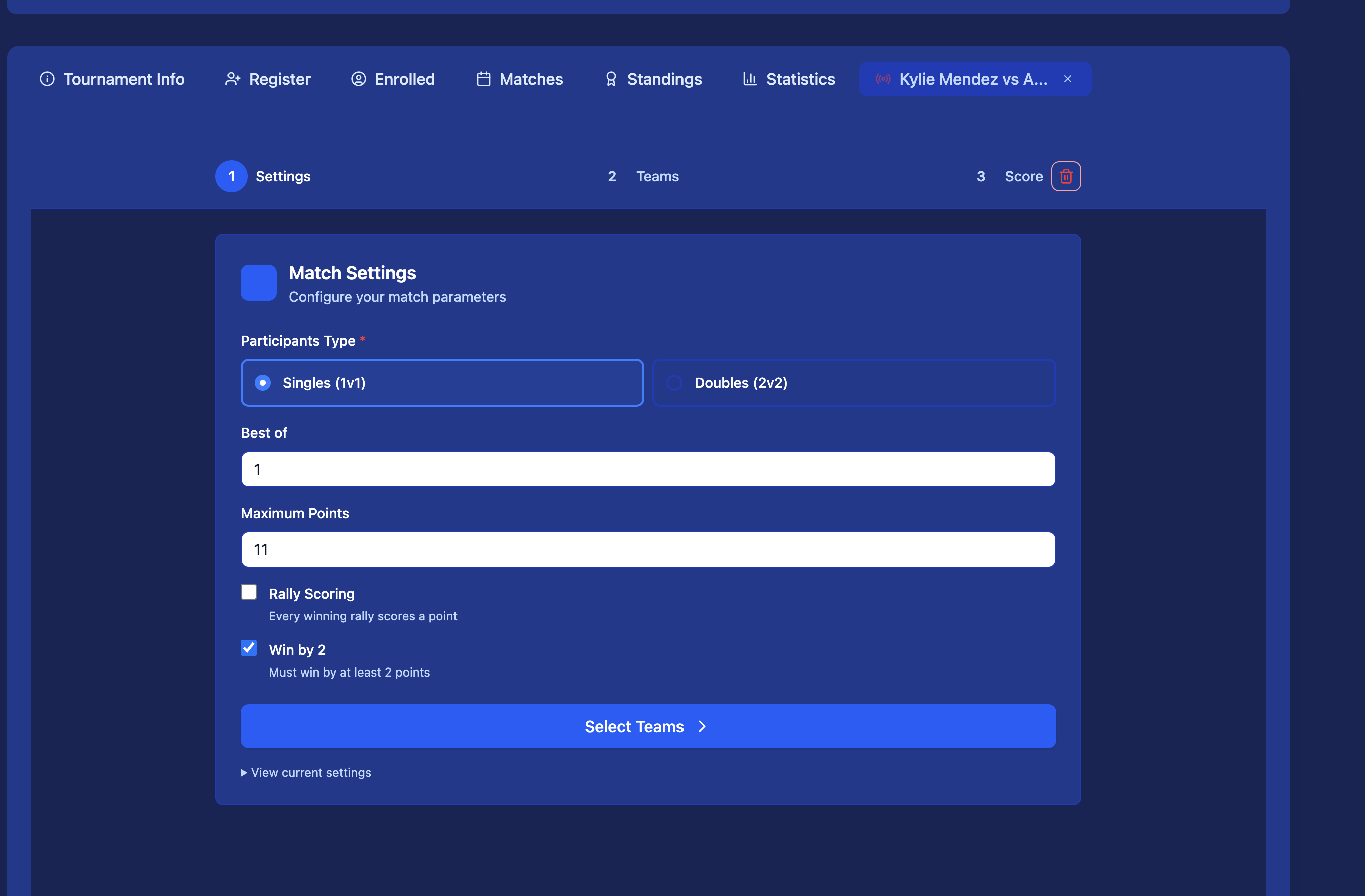
- Configure scoring format per sport (e.g. best of 3, rally scoring)
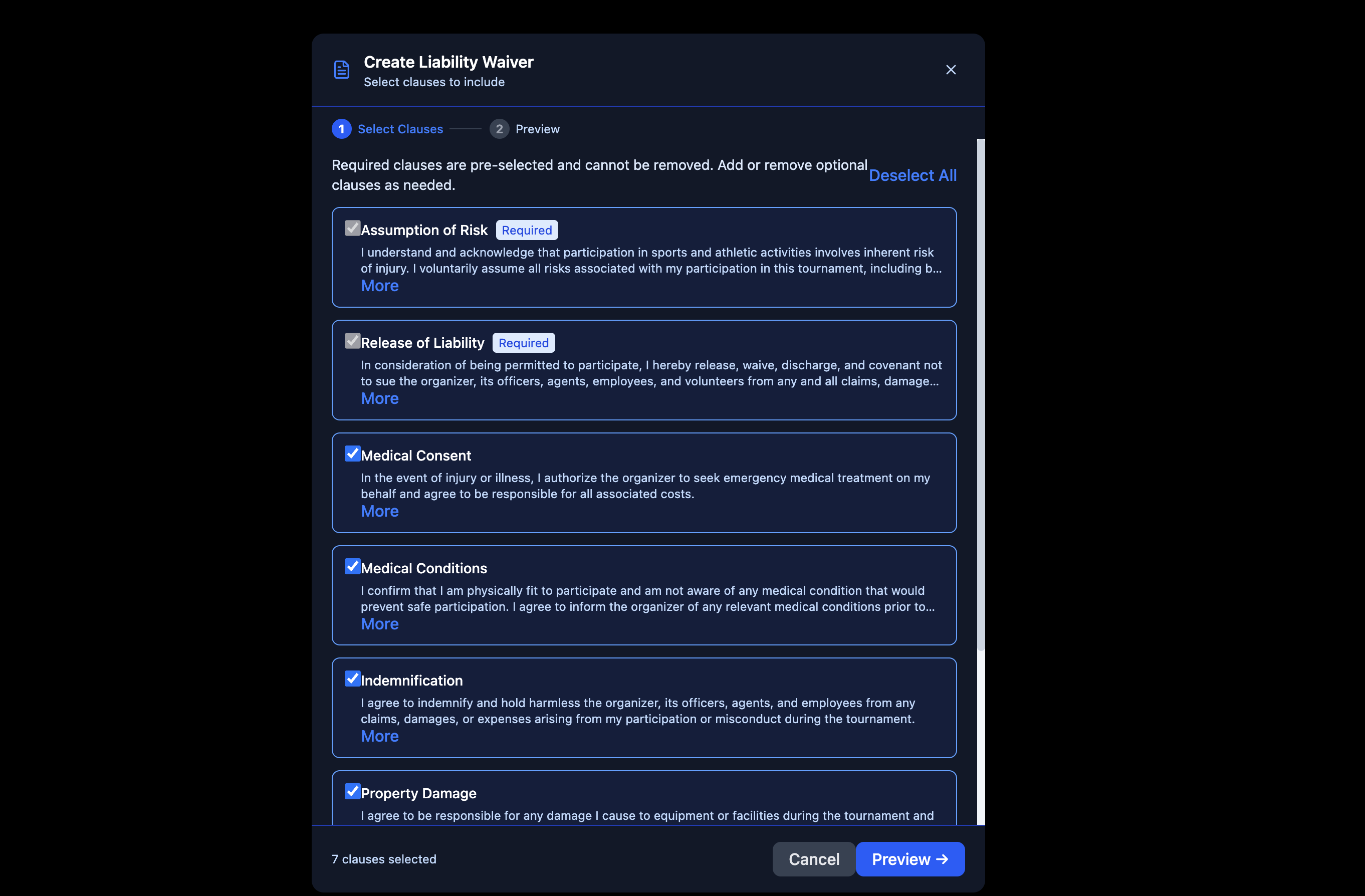
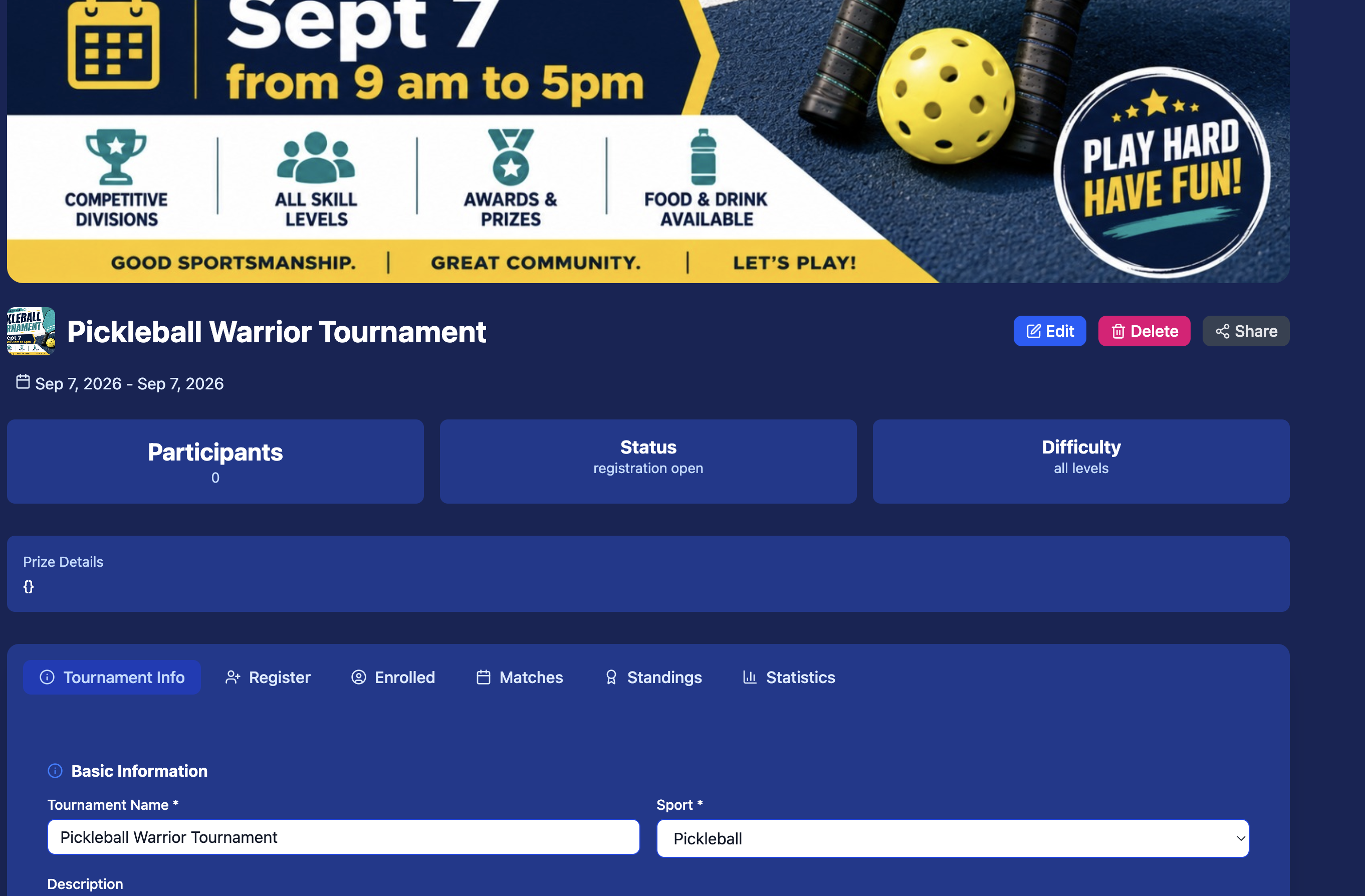
- Attach waiver or terms document
Create a Schedule
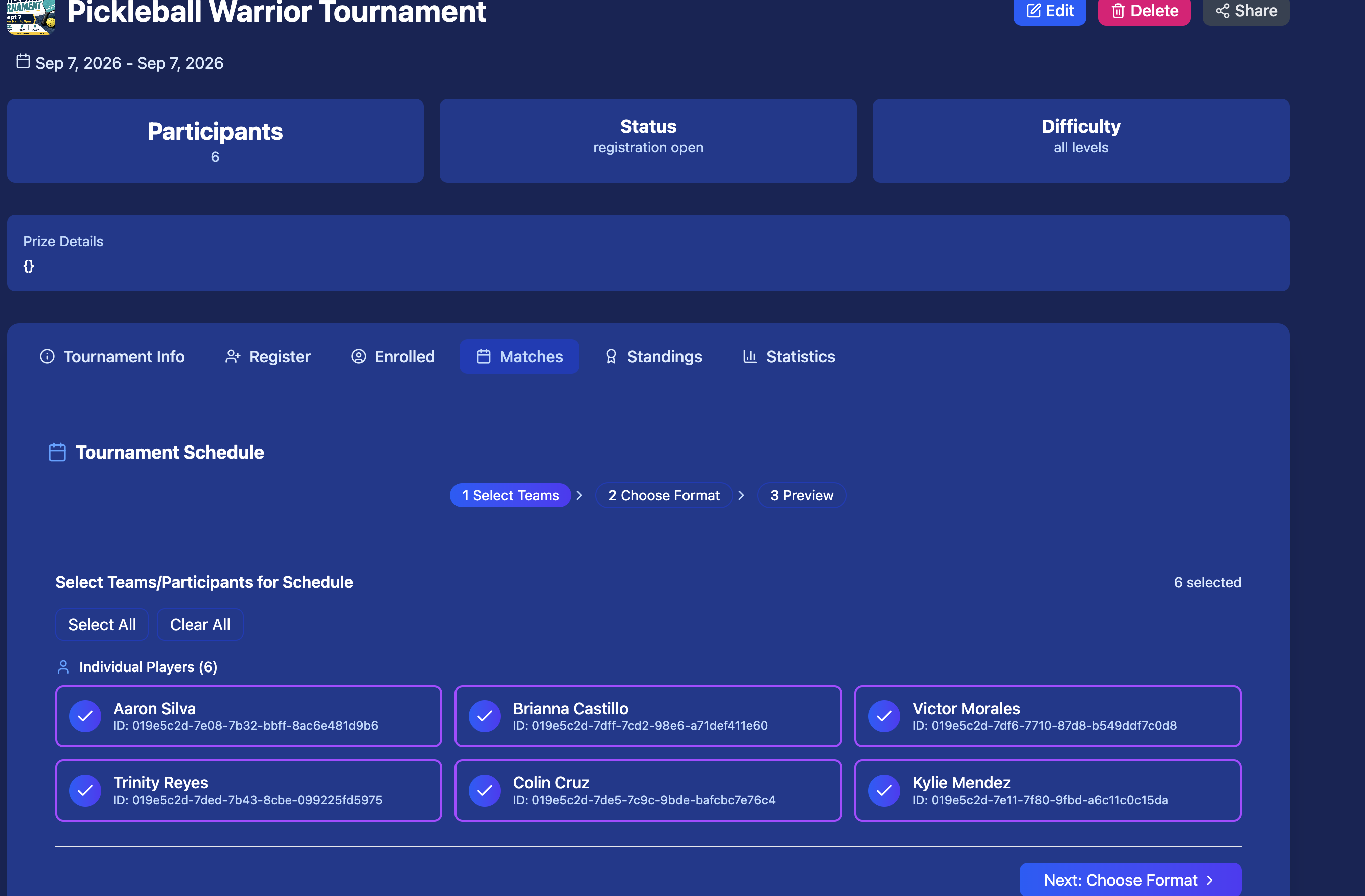
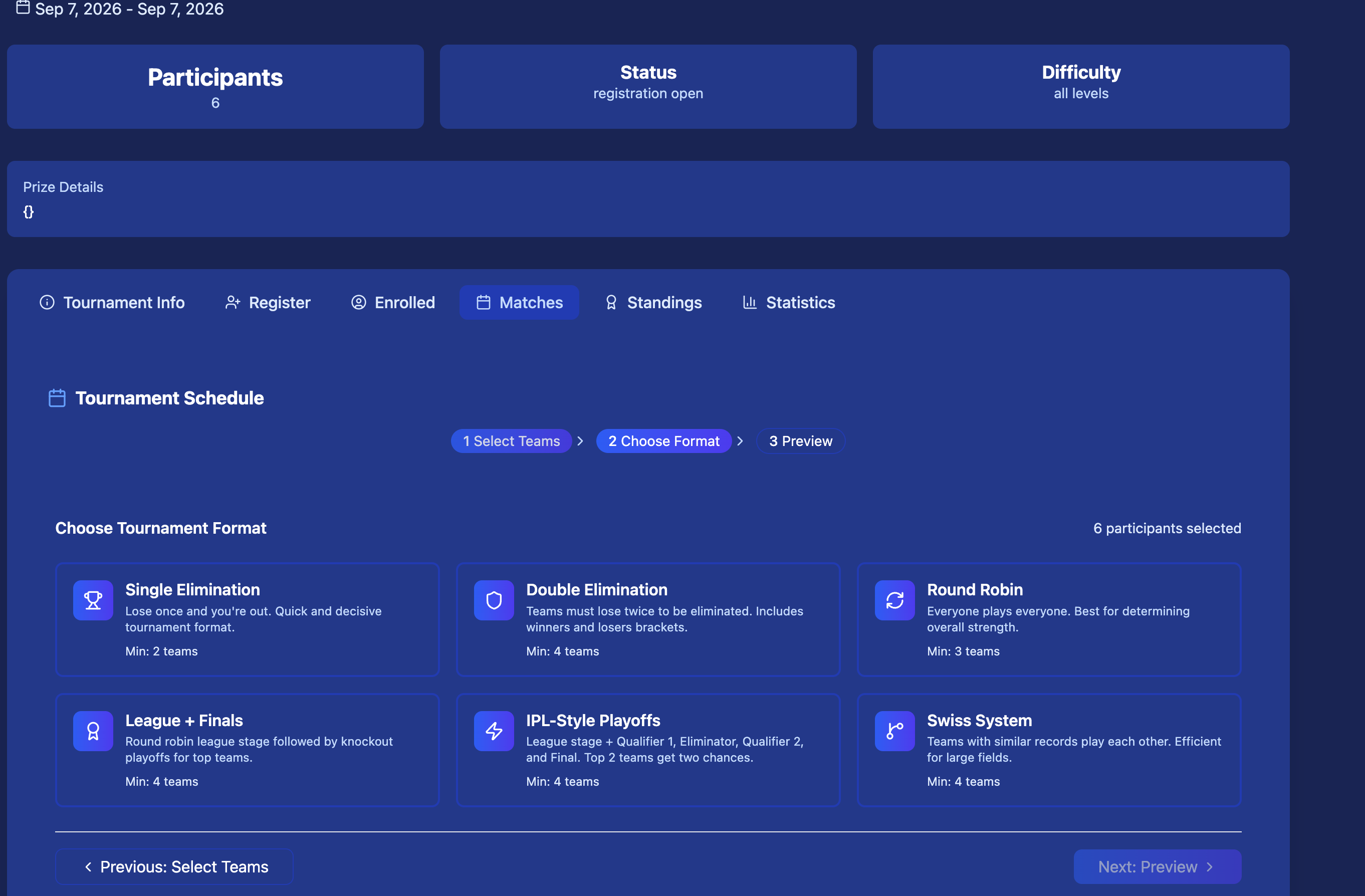
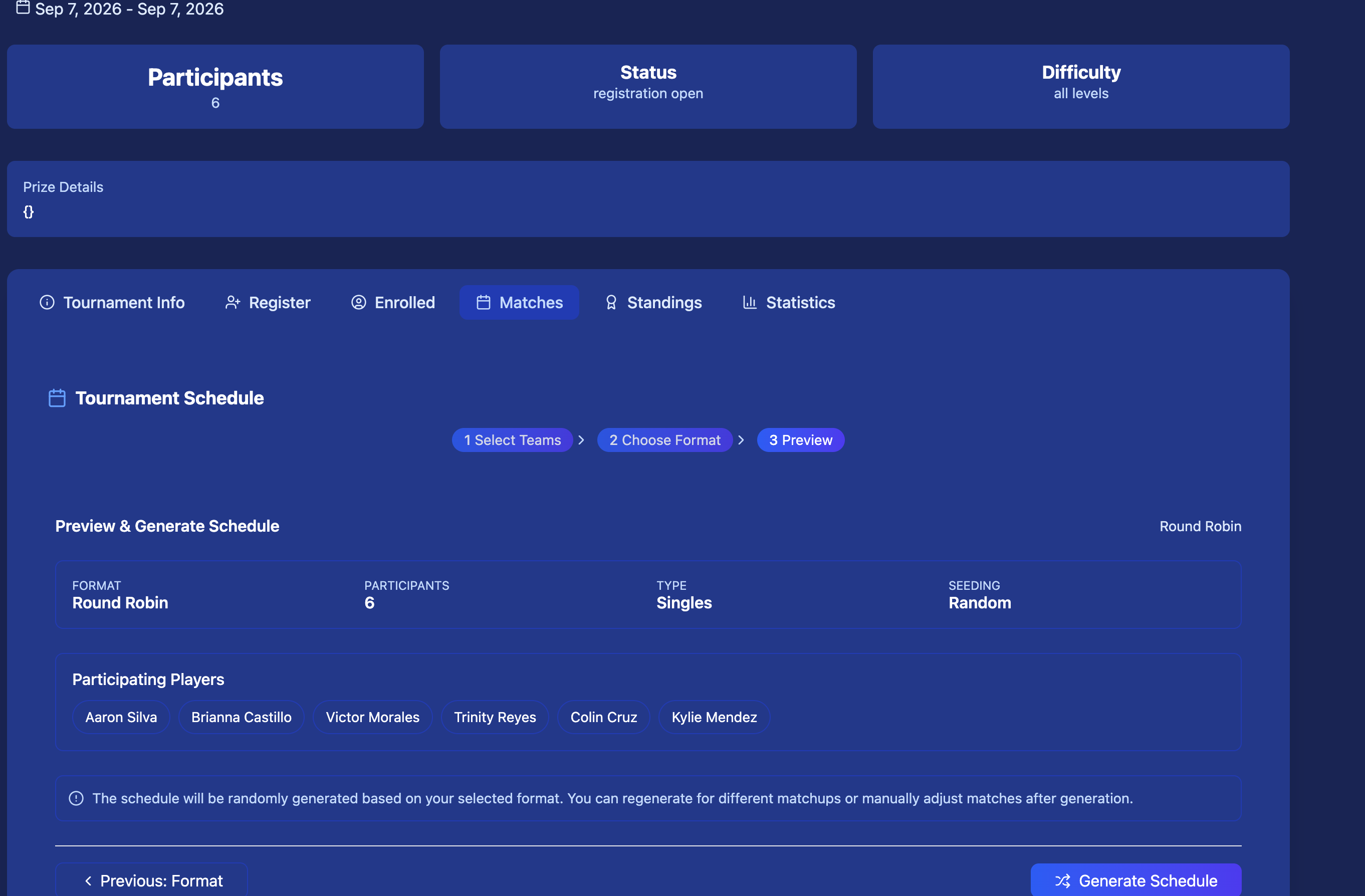
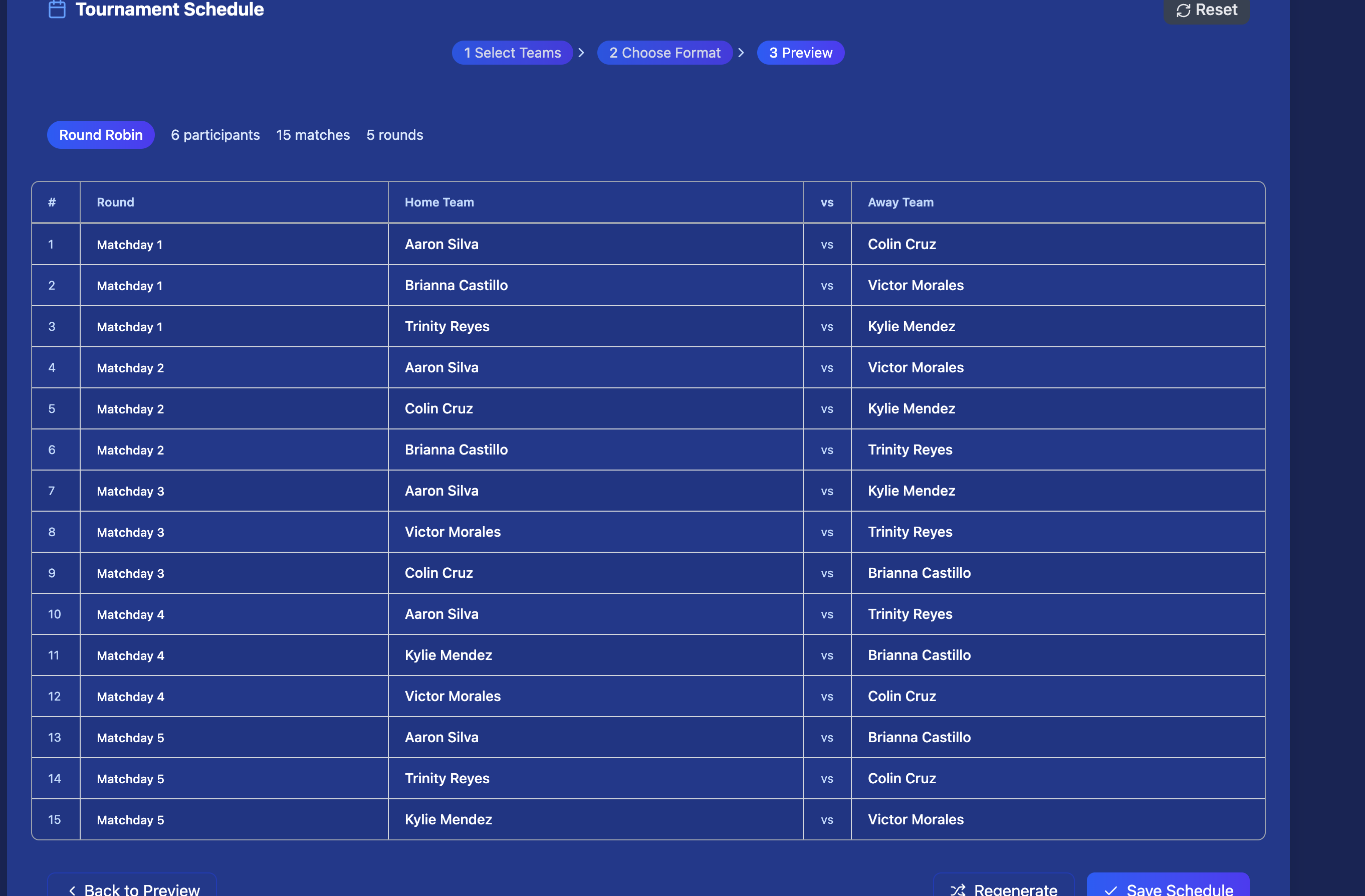
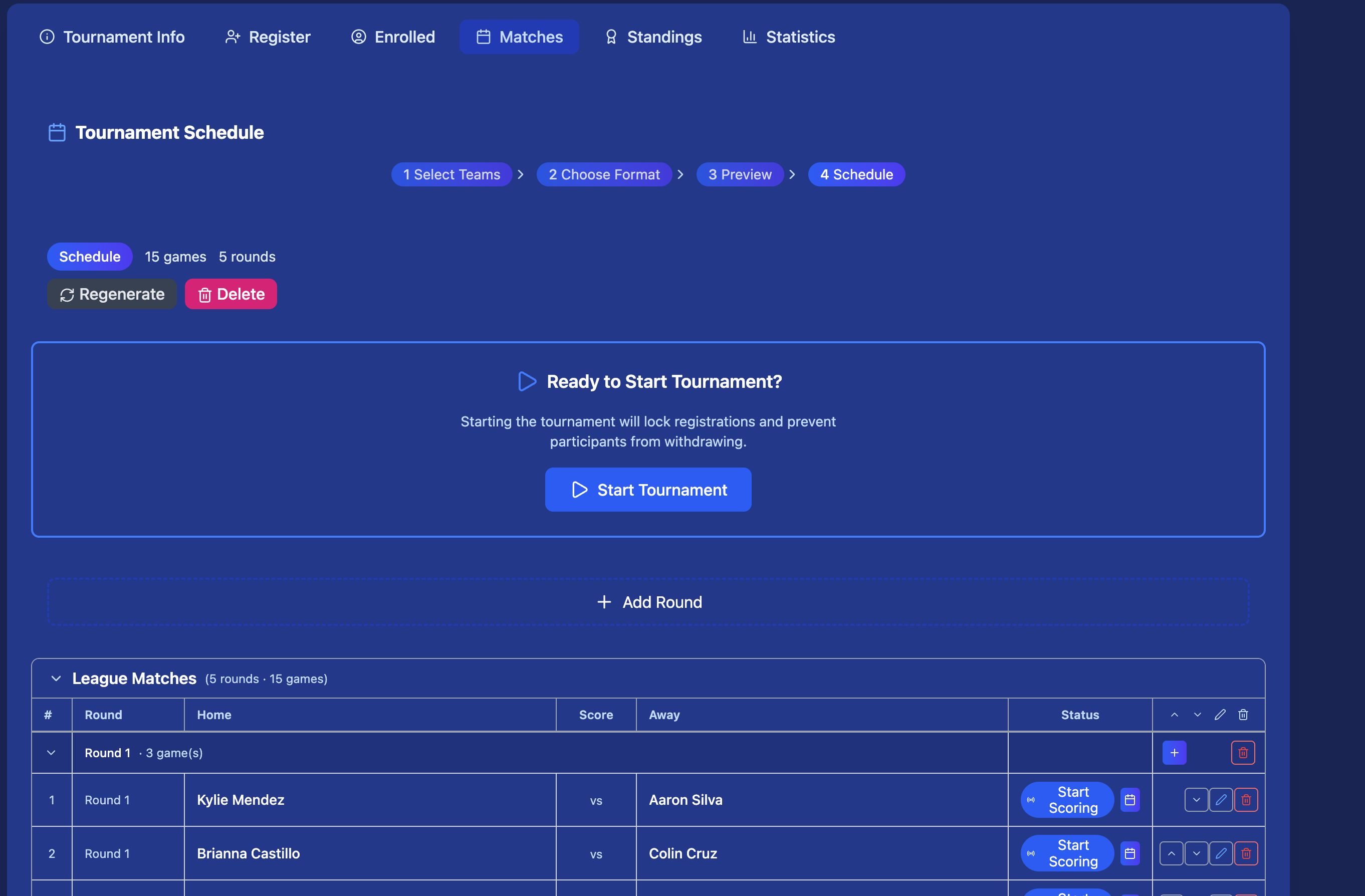
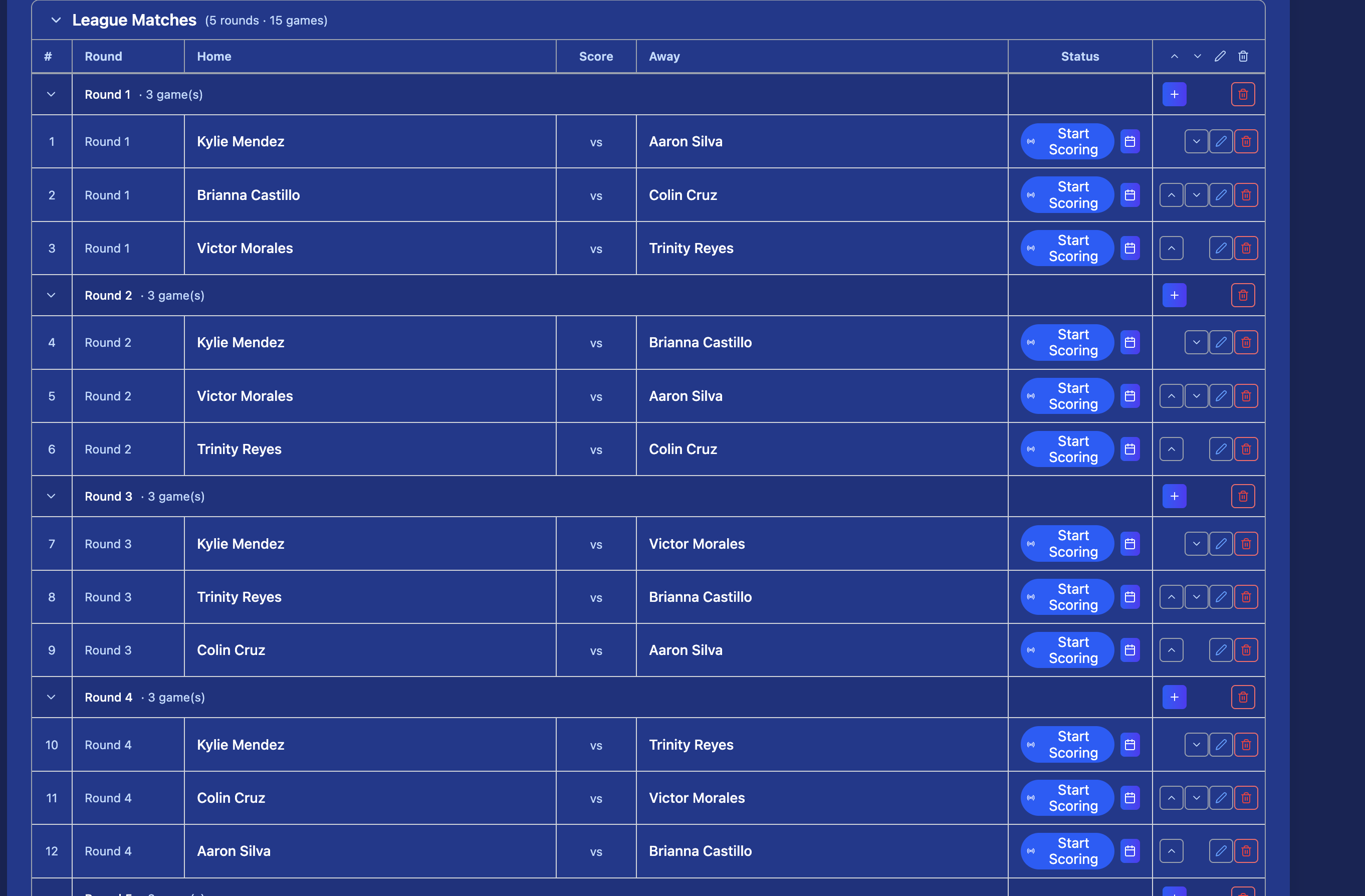
Build your match schedule manually or let Kynaix auto-generate it based on the number of participants and your chosen format — pick from 8 tournament formats (see Tournament Formats below). Assign courts, times, and referees for each match.
- 8 formats to choose from, from a fast Single Elimination bracket to a full Group Stage + Knockout or Regional Bracket
- Assign courts, fields, or tables to each match
- Set match duration and gap between rounds
- Participants see their schedule in the app instantly
Share the Registration Link
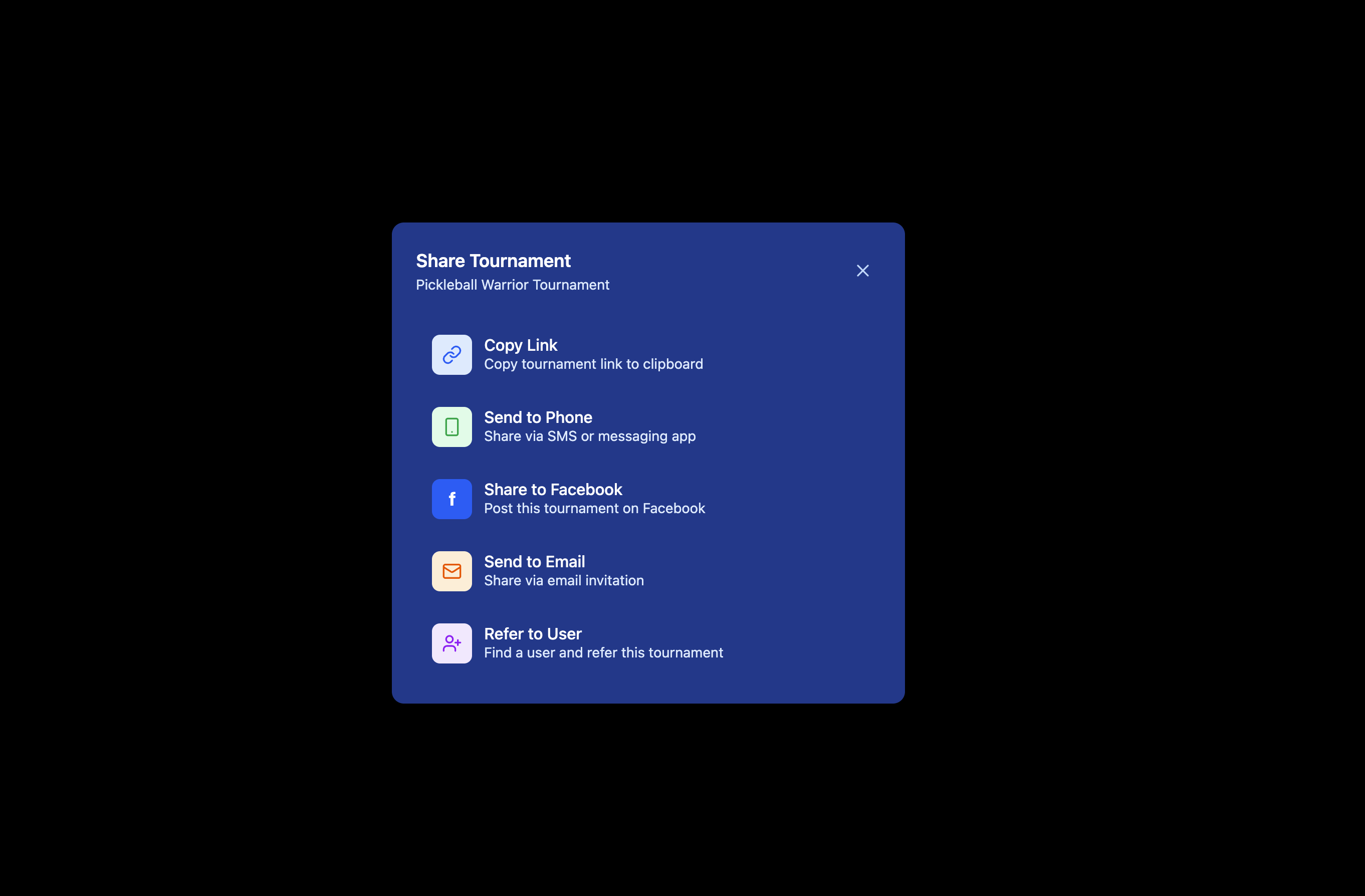
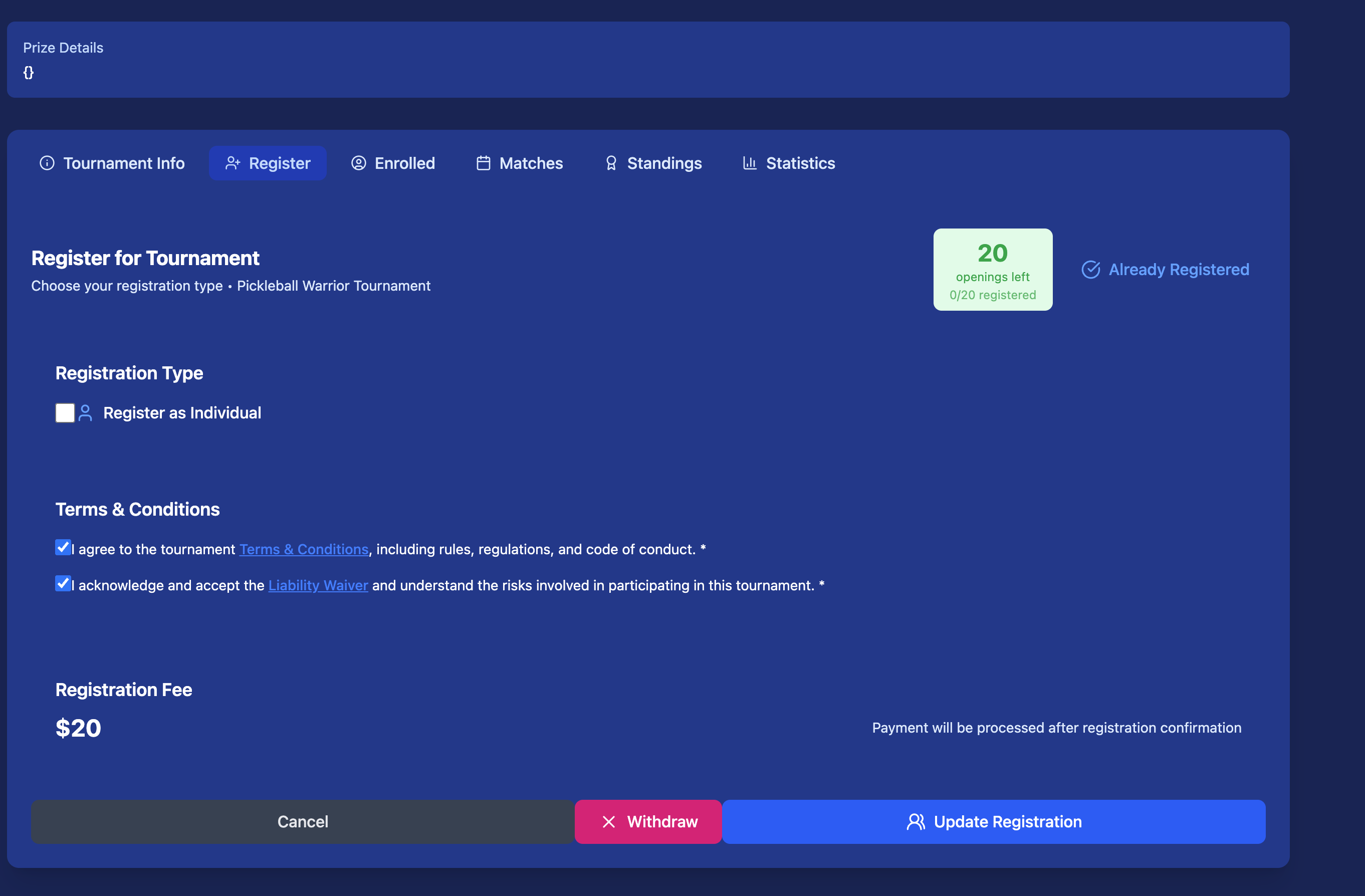
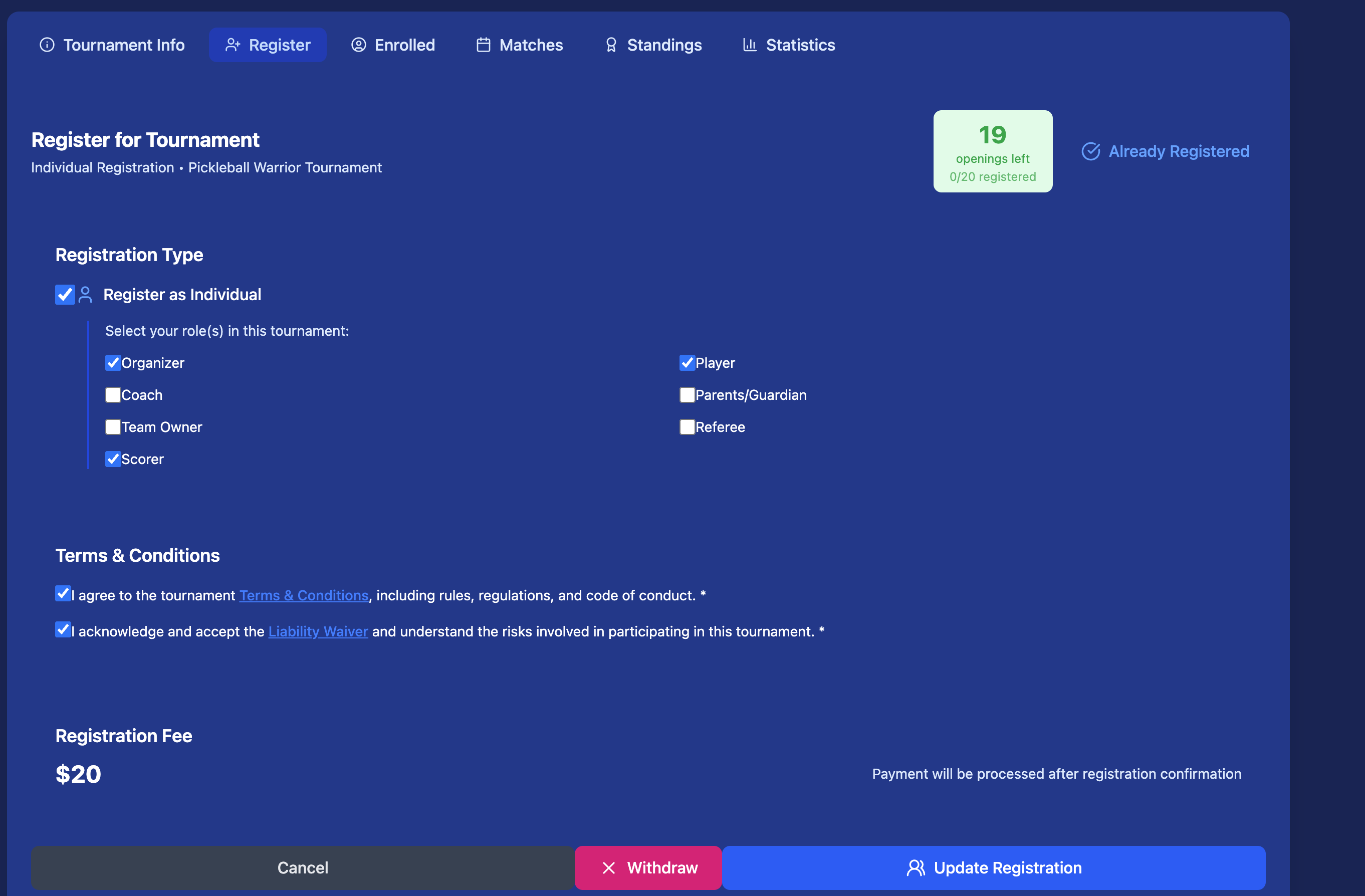
Once your tournament is ready, share the registration link with players. They can register directly on Kynaix — no extra forms or spreadsheets needed.
- Copy a direct link to share via WhatsApp, email, or social media
- Share a QR code players can scan on-site
- Post to your squad's feed so all members see it instantly
- Set a registration deadline so late entries are blocked automatically
See Who's Enrolled
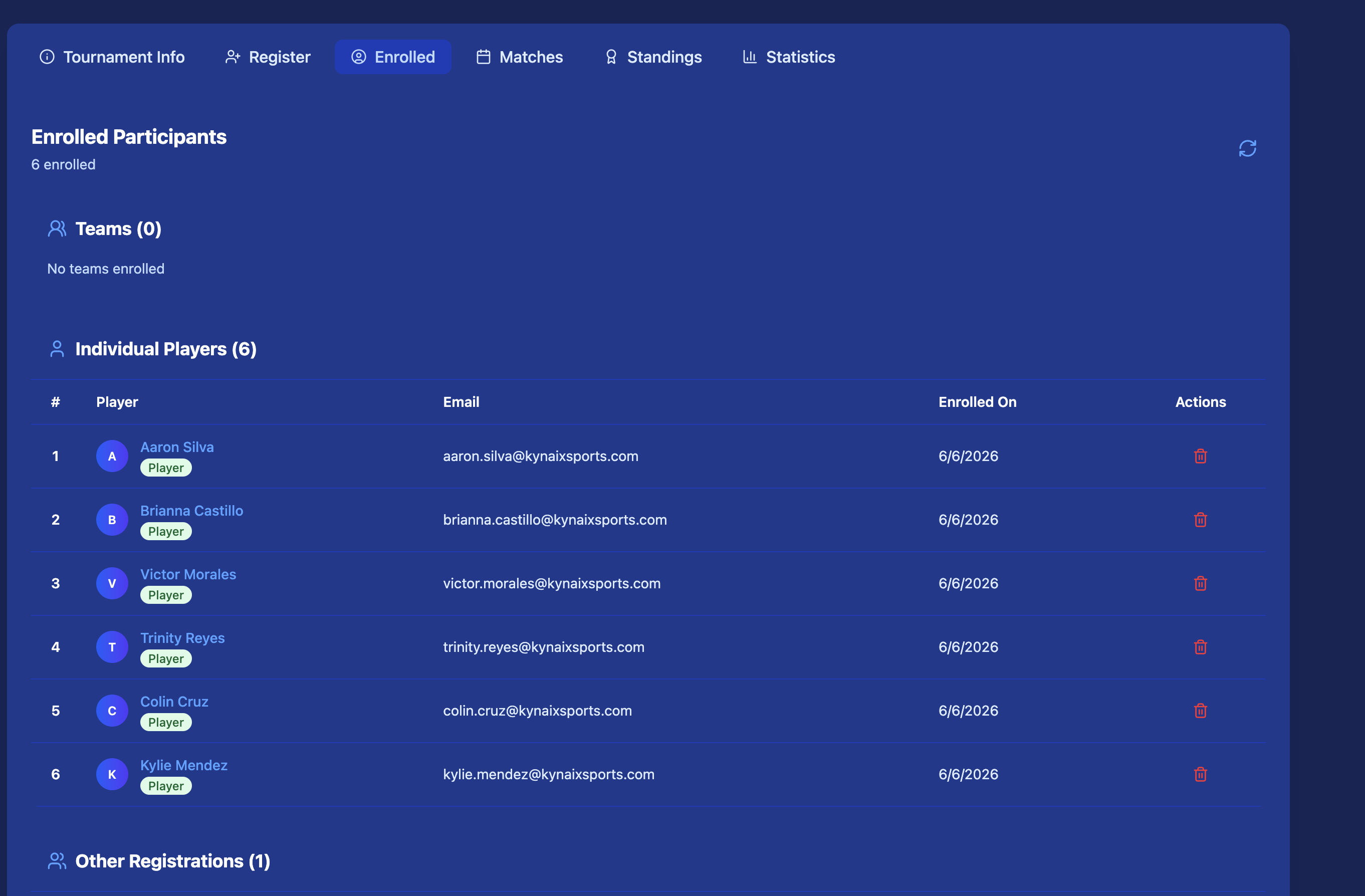
Track registrations in real time. View the full participant list, check in players on the day, and manage withdrawals or substitutions — all from one screen.
- See registered players with their profile and stats
- Approve or reject registrations for invite-only events
- Send a message blast to all enrolled participants
- Export the list for check-in
Start the Tournament
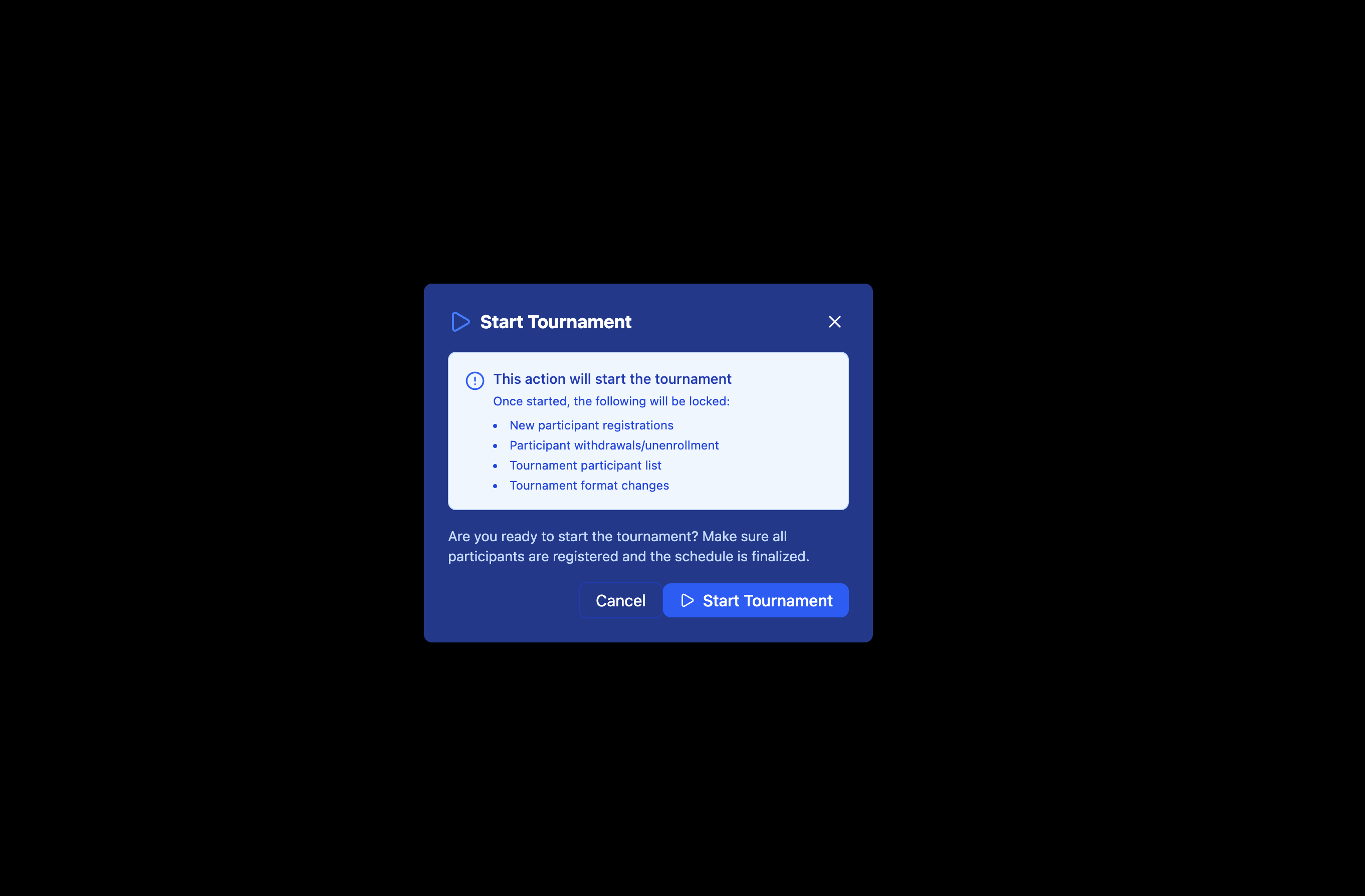
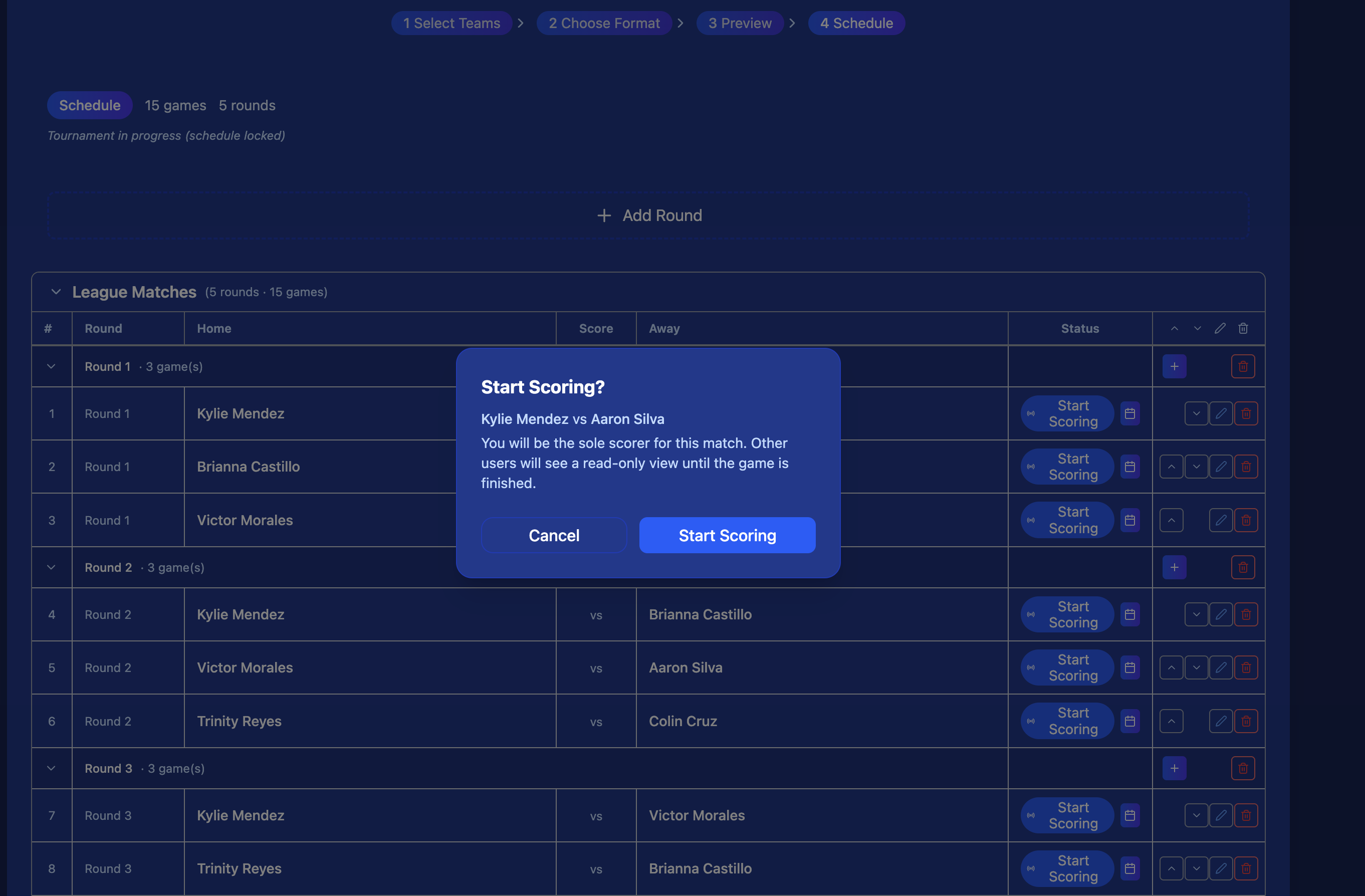
When you're ready, hit Start. The tournament goes live — matches become active and scorekeepers can begin entering results. Standings and brackets update automatically after every match.
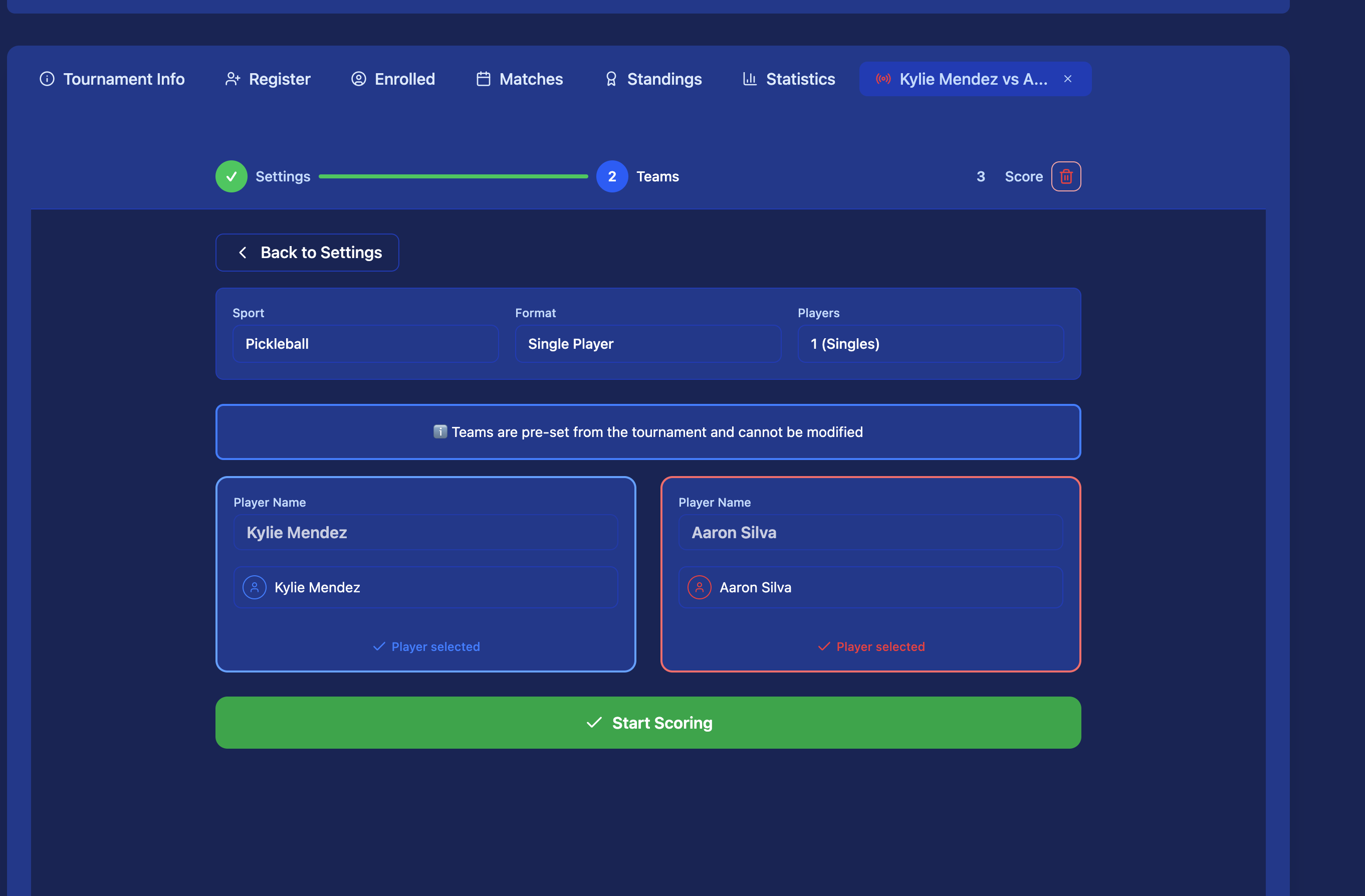
- Assign a scorekeeper to each match (or score it yourself)
- Live scores visible to all participants in real time
- Bracket and standings update automatically
- Pause or reschedule individual matches if needed
Track Standings
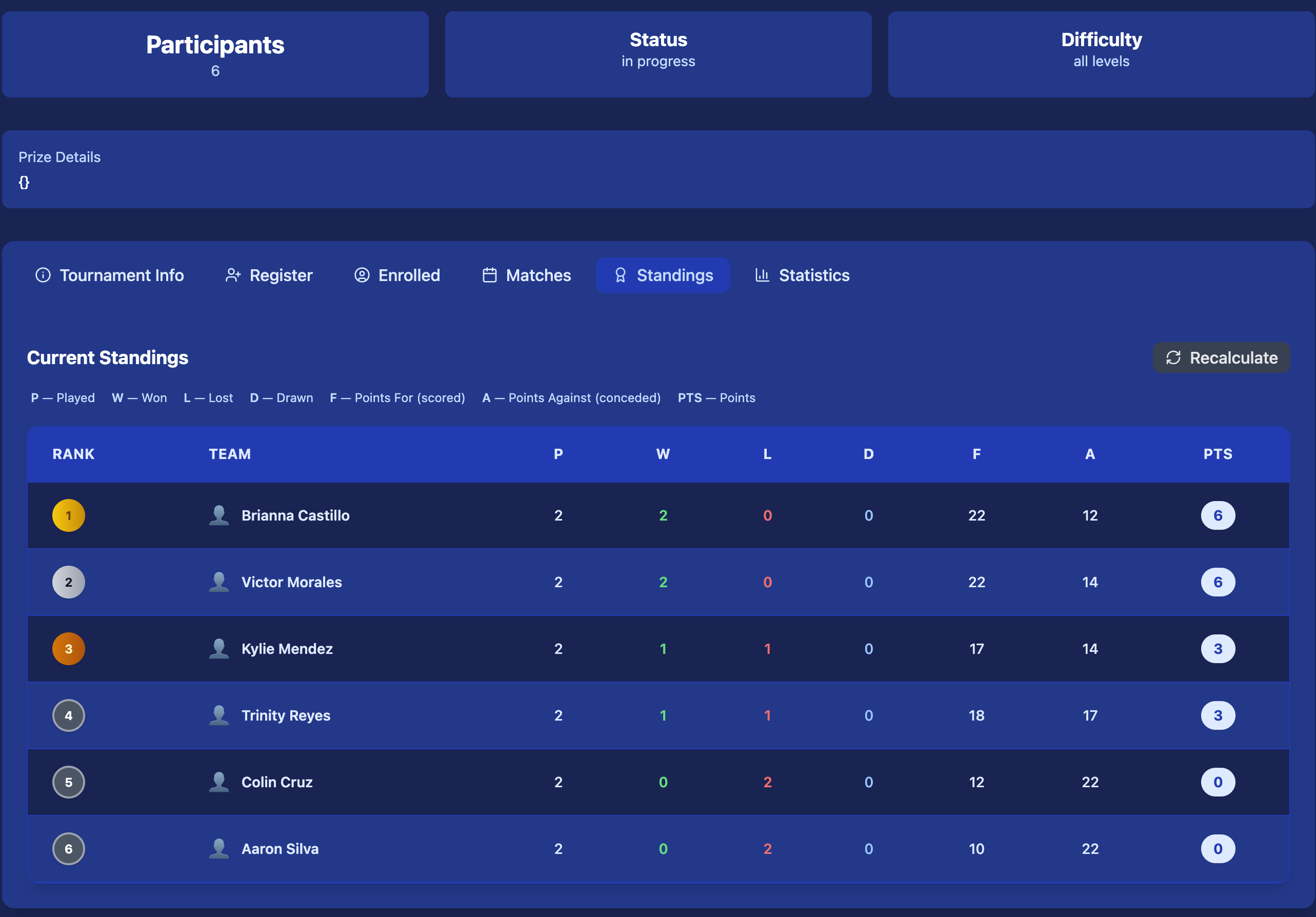
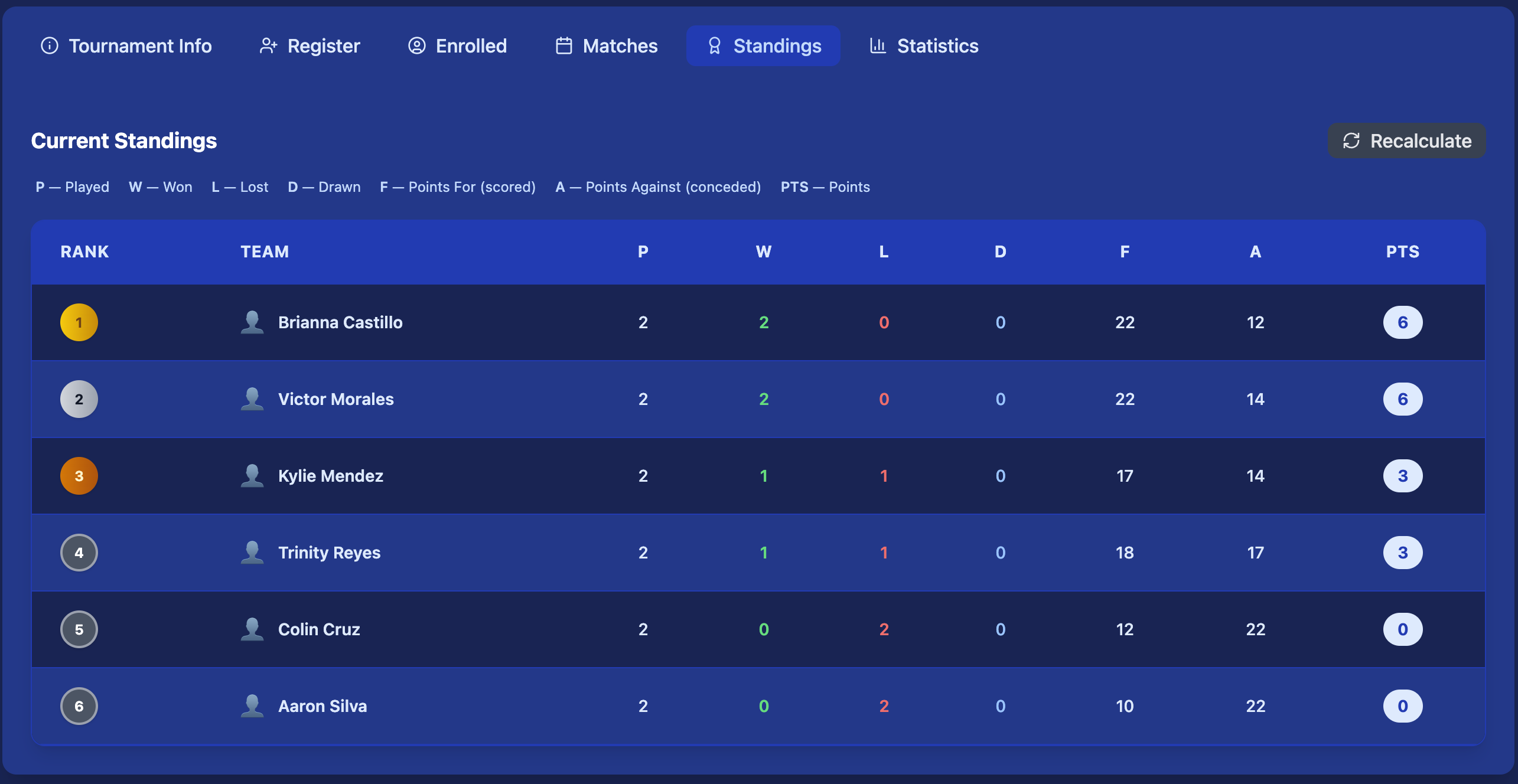
Standings update automatically after every completed match. Players and spectators can follow the leaderboard in real time — no manual entry needed.
- Rank by wins, losses, draws, points, and point differential
- Round robin: full table with tiebreaker rules applied
- Elimination: bracket view showing progression
- Organizer can recalculate standings at any time
View Statistics
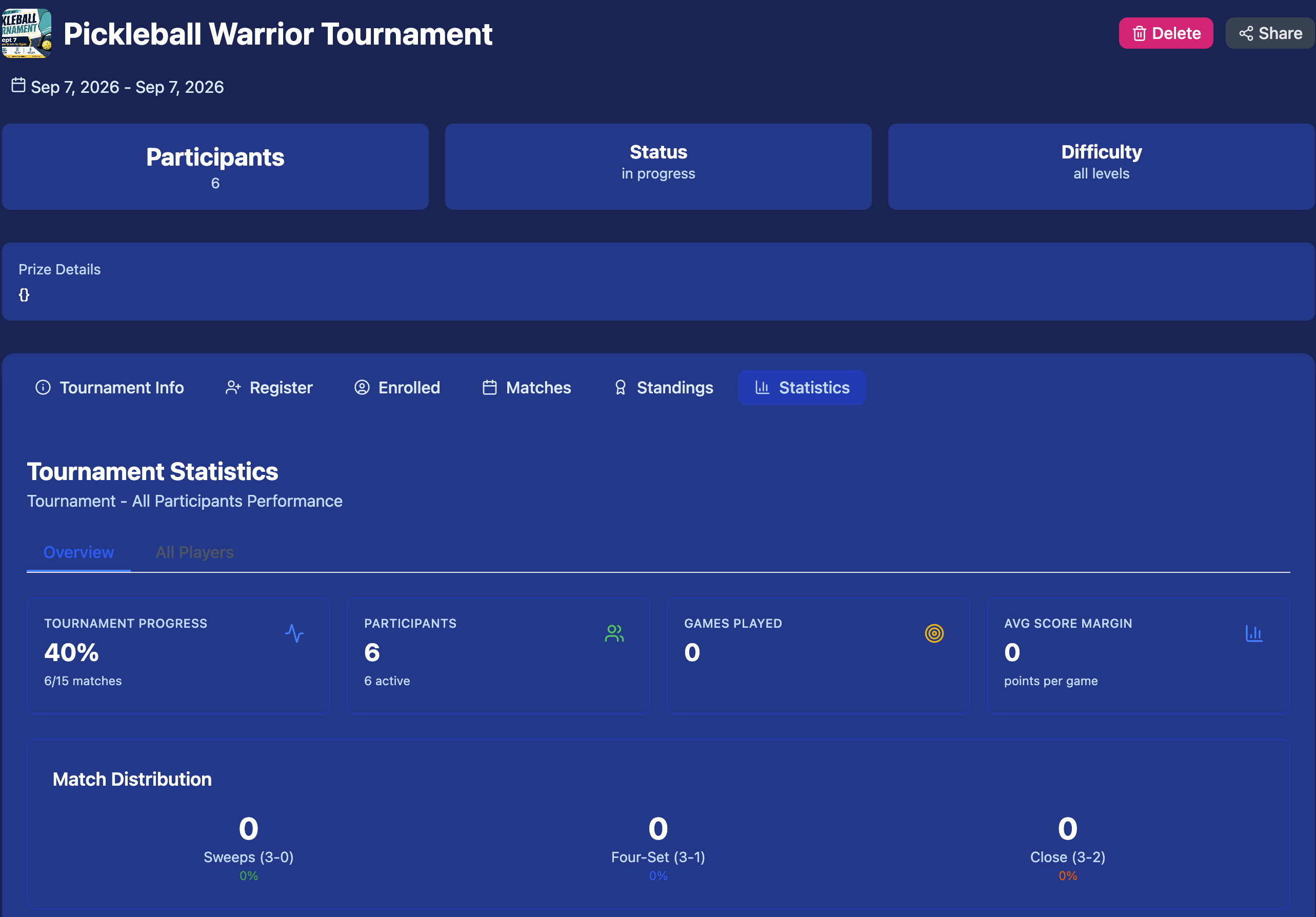
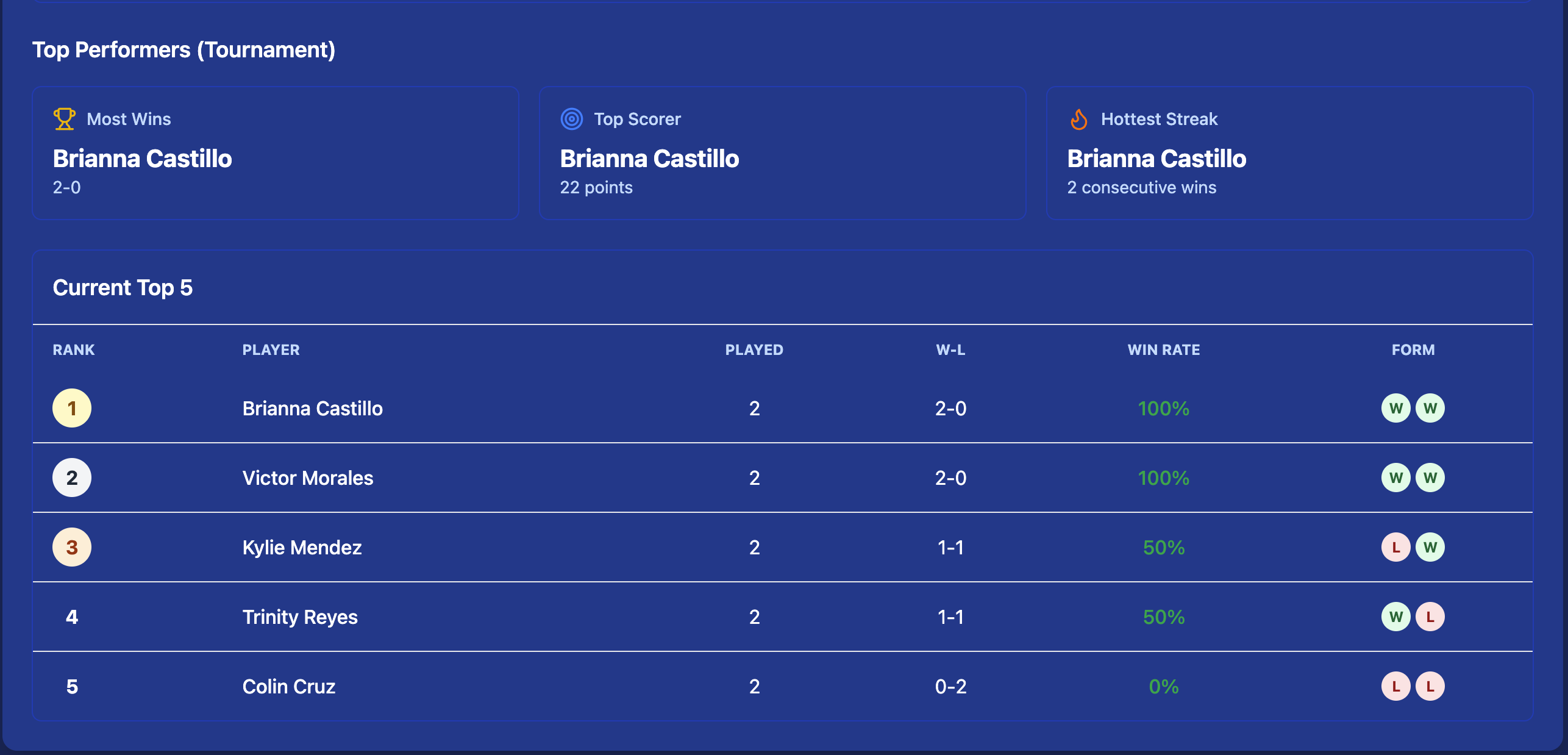
Every match produces detailed stats — visible to all participants during and after the tournament. Use stats to review performance, identify top players, and share highlights.
- Per-player stats across all matches: points scored, winner rate, errors
- Sport-specific metrics — aces and shot types for pickleball, wickets and extras for cricket
- Aggregated tournament totals by player or team
- Stats available live as matches are scored
Tournament Formats
Kynaix Sports supports 8 tournament formats — from a fast Single Elimination bracket to a Ryder-Cup-style Dual Meet / Series. See the full Tournament Formats guide for how each one works, who it's best for, and how to configure it.
Quick Tournament
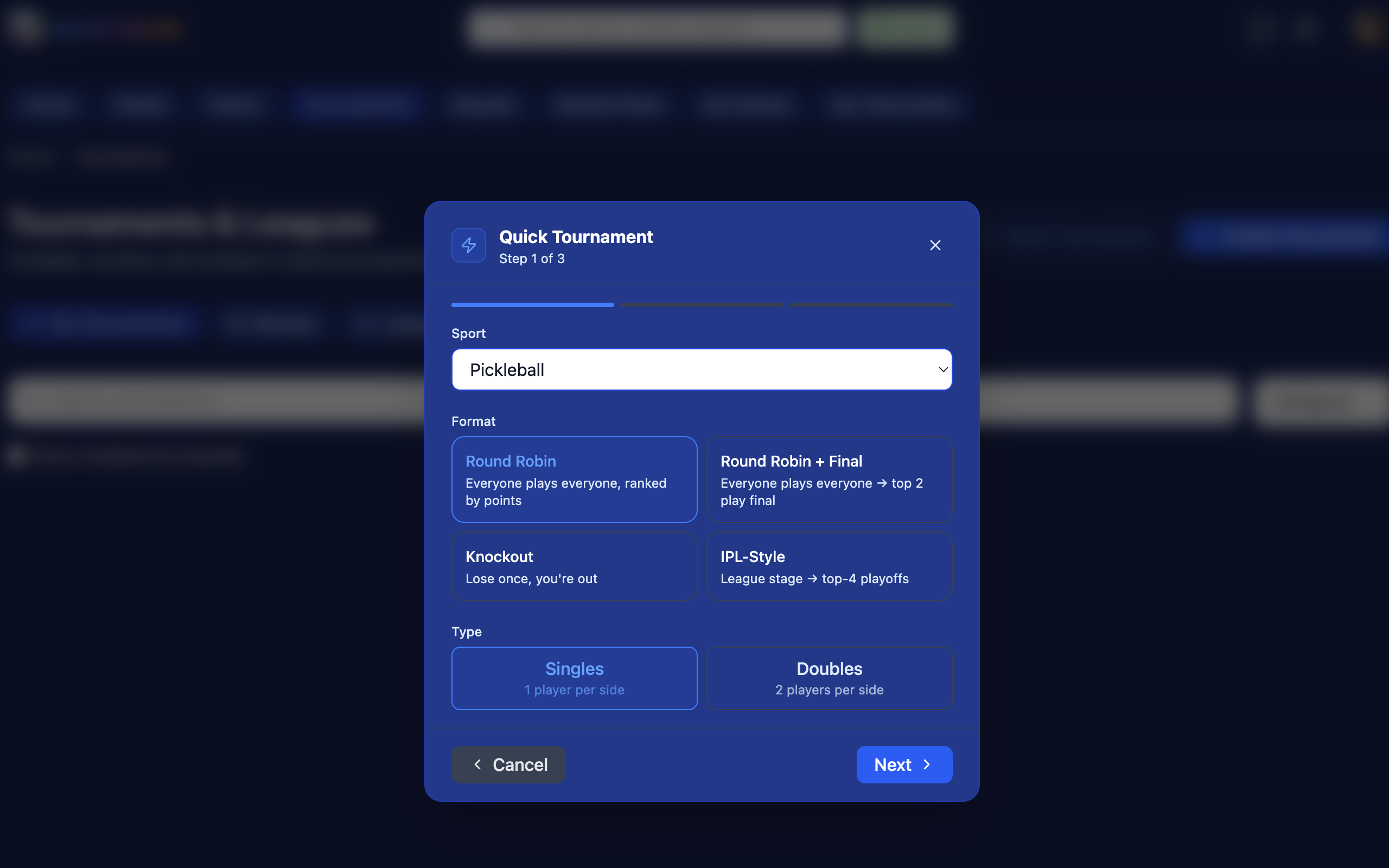
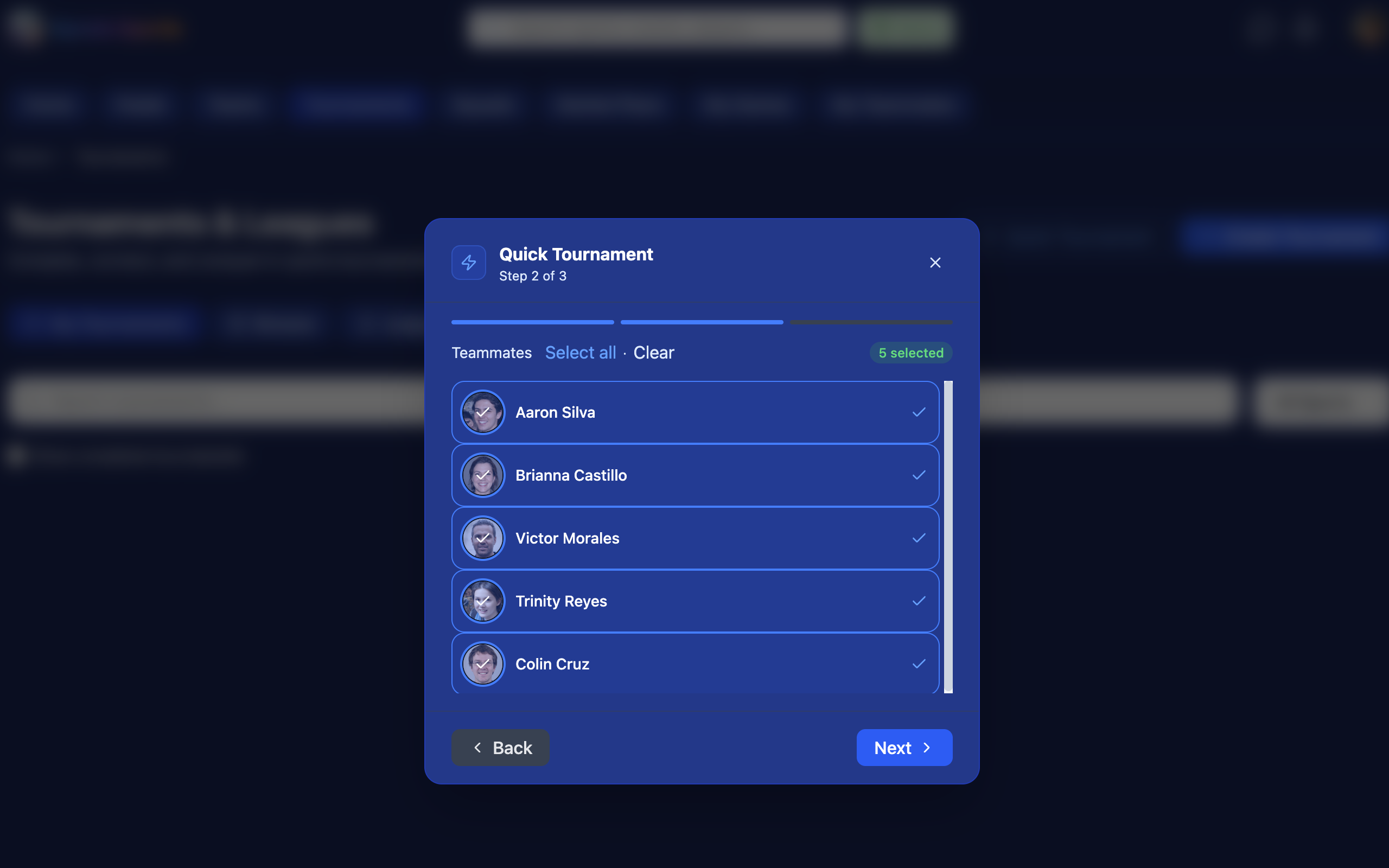
Start an internal tournament in seconds — no registration, no public link. Just pick your sport, choose a format, select teammates or squad members, and play.
Set Up in 3 Steps
Quick Tournament is designed for casual play sessions — a lunchtime pickleball round robin, a weekend squad match, or a practice game with friends. Everything is streamlined so you can be on the court in under a minute.
- Step 1 — Pick sport & format: choose Round Robin, Round Robin + Final, Knockout, or IPL-Style; select Singles, Doubles, or Teams
- Step 2 — Add players: invite from your squad or teammates list directly — no external sign-up needed
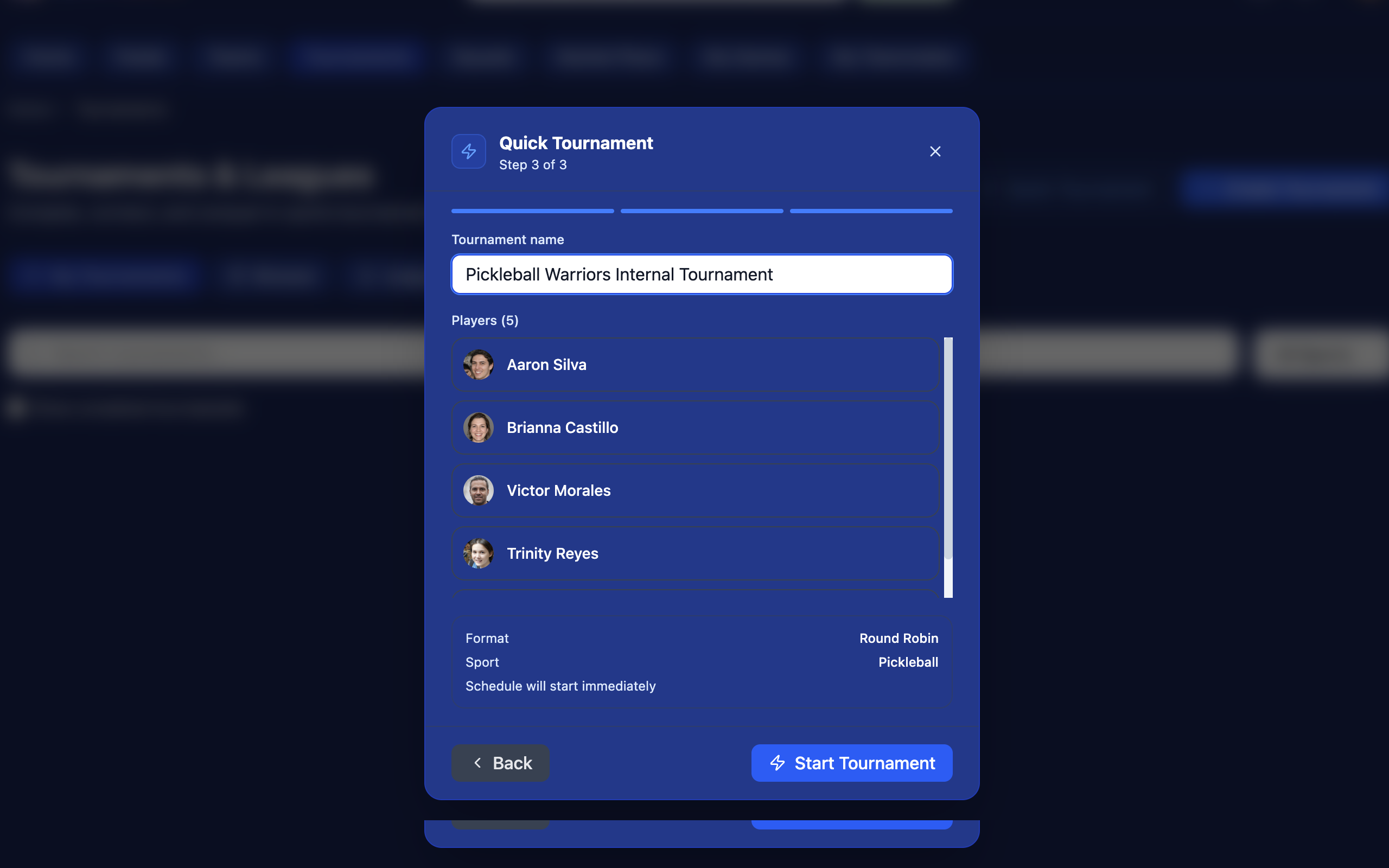
- Step 3 — Confirm & start: review the summary and hit Start Tournament
Sport-Specific Scoring Guides
Select your sport to learn how live scoring and stats work on Kynaix.